INSIGHTS & TUTORIALS
Blog
Loading posts…
Loading posts…
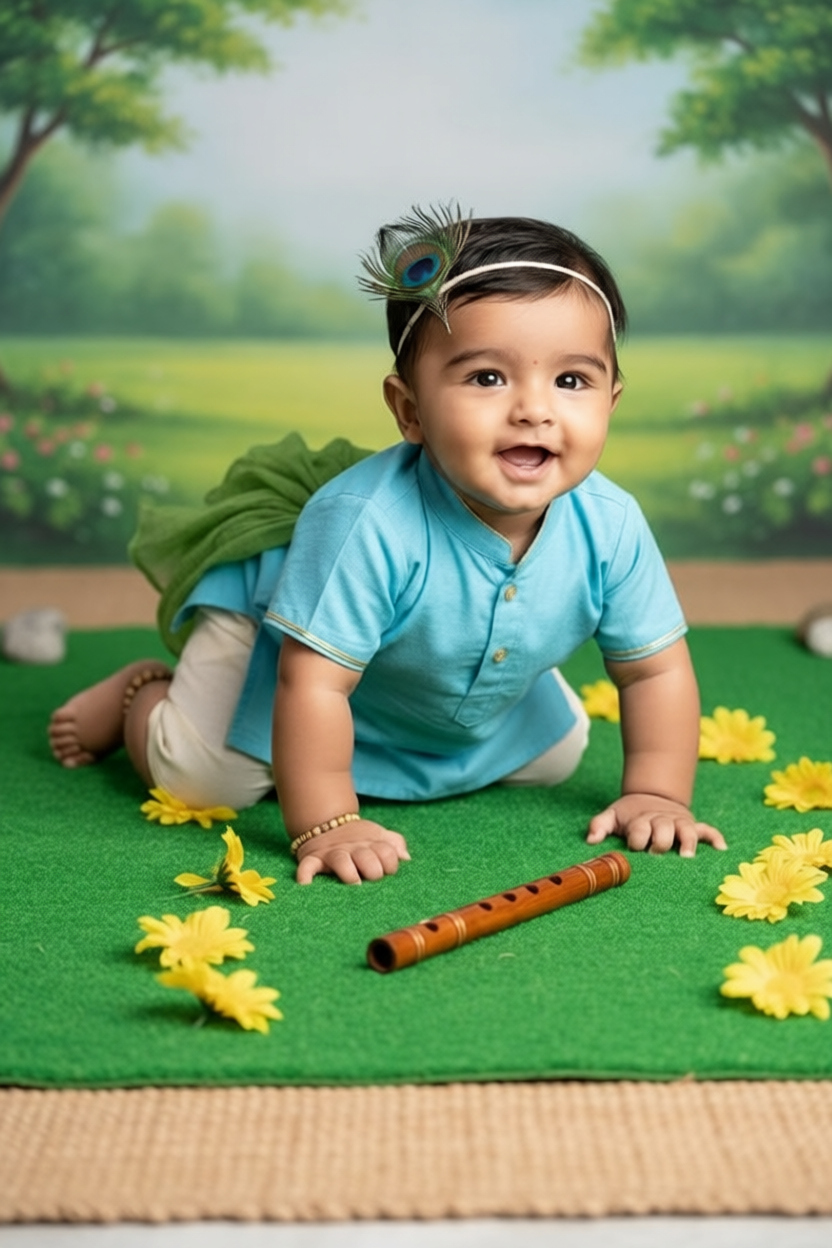
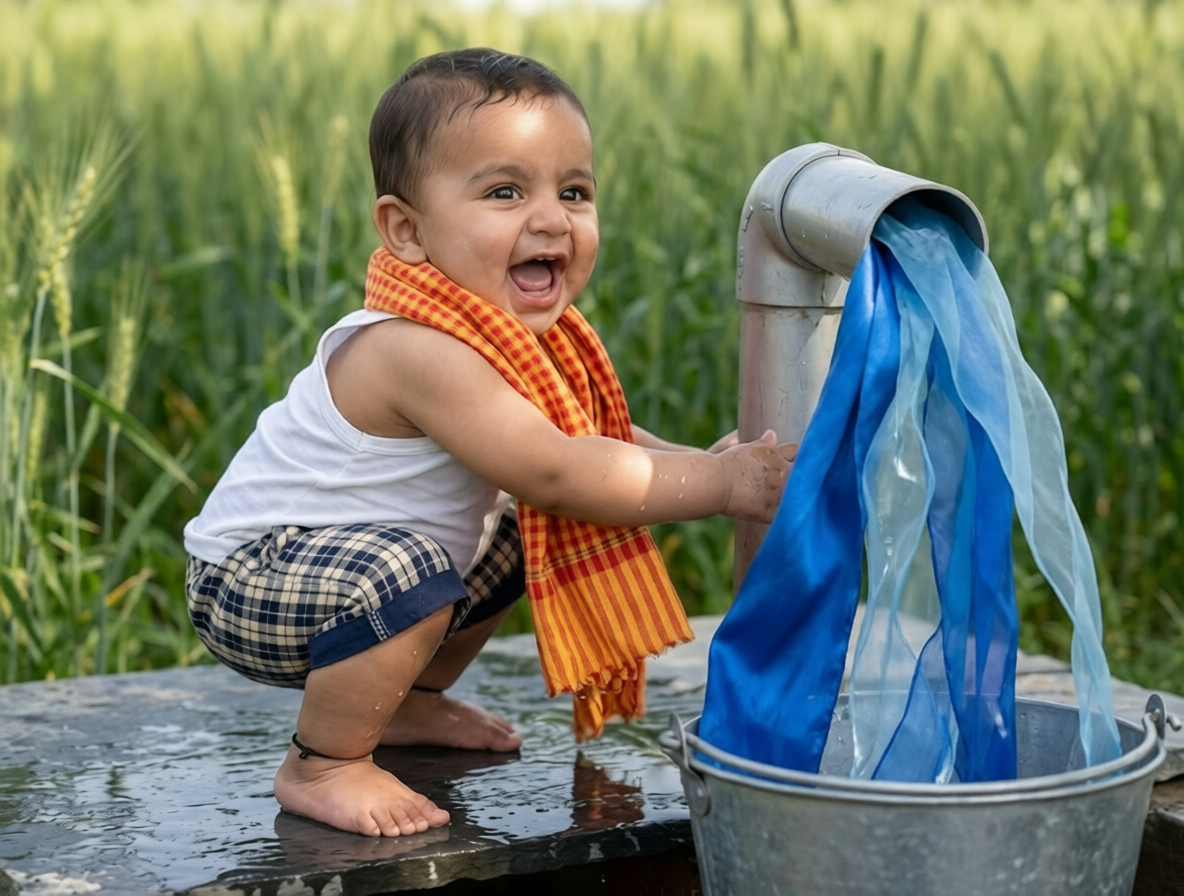
The definitive guide for parents, photographers, and creators who want to master AI-generated Krishna baby portraits. Covers everything from beginner workflows and prompt engineering to real case studies, ethics, pricing, and advanced techniques.
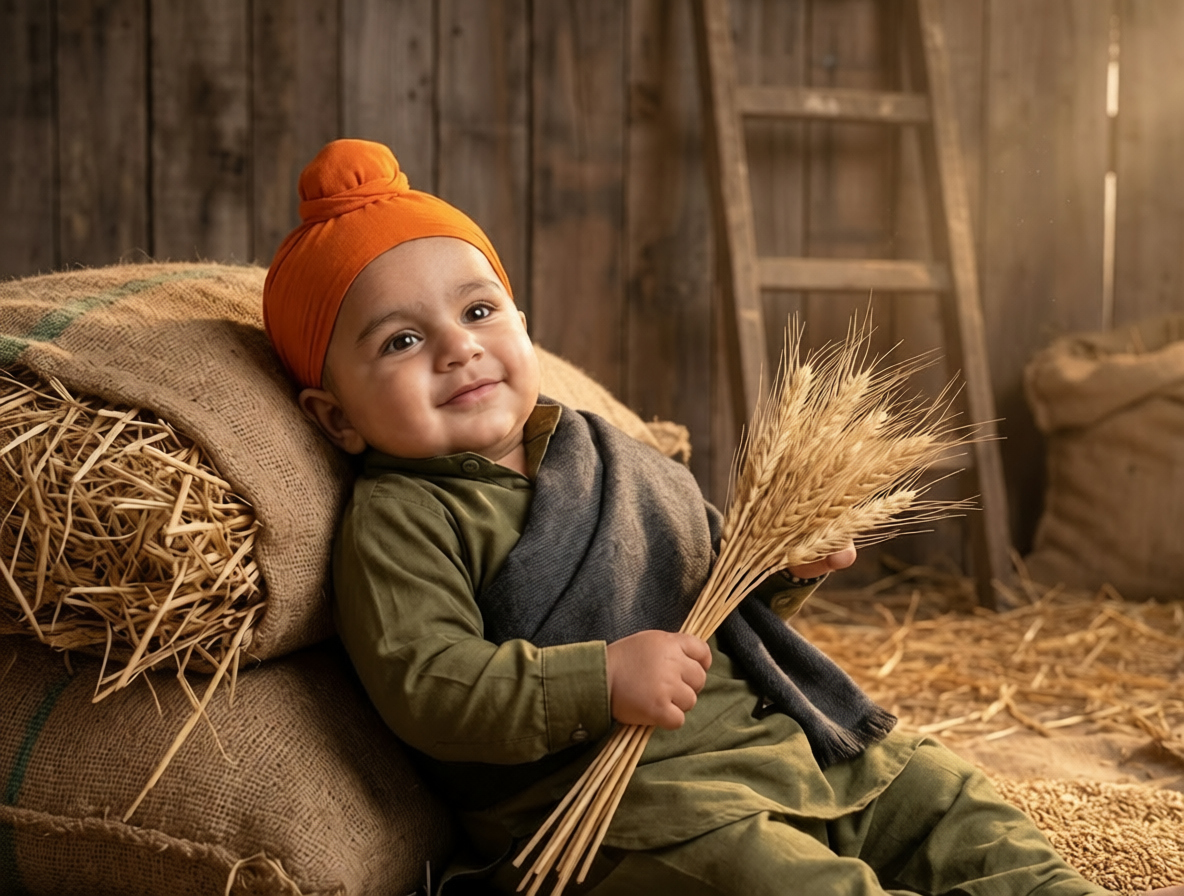
Everything you need to know — from your first prompt to running a full photography business with AI workflows.
Takeaways
Before you start
One well-lit, frontal or three-quarter angle photo of the baby's face
Any modern image generator with reference image support (Flux, Midjourney, Stable Diffusion)
Lightroom, Photoshop, or any free alternative for color grading
If you have time for the full guide, keep reading. We'll walk through every step in detail, share real examples from working photographers, break down the science of face-matching prompts, and give you a complete prompt pack you can use immediately.
Traditional themed baby photography has always been challenging. Studio bookings, prop sourcing, costume sizing for tiny humans, and the unpredictability of an 8-month-old's mood combine to make these shoots expensive and stressful. AI image generation has changed this equation dramatically over the past year. With a single photo and the right prompt, parents and photographers can now create festival-ready Krishna portraits in an afternoon.
300%
↑Increase in AI portrait searches
95%
→Average face match accuracy
$500+
↑Saved per session vs traditional
8 of 10
↑Photographers using AI workflows
Who this is for
The challenge
You want stunning festival portraits but don't have the time, budget, or studio access for a traditional themed shoot.
What you'll get
This guide will show you exactly how to create gallery-quality Krishna portraits at home with just a phone camera and the right AI prompts.
Follow this exact 5-step workflow to go from a simple phone photo to professional-quality Krishna portraits:
Step 1
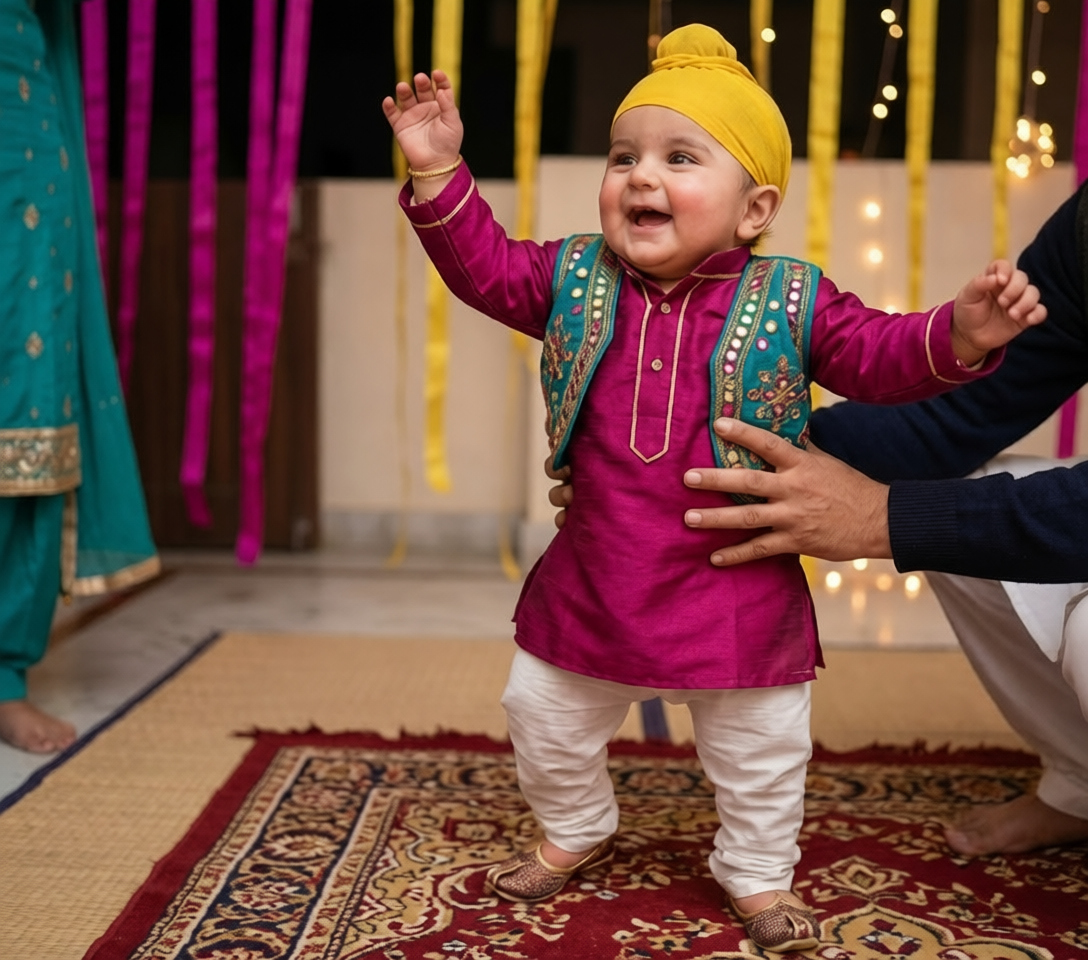
Use natural window light, eye-level angle, and a clear view of the baby's face. Avoid harsh shadows, sunglasses, or motion blur. A simple phone photo works perfectly if these conditions are met.
Step 2
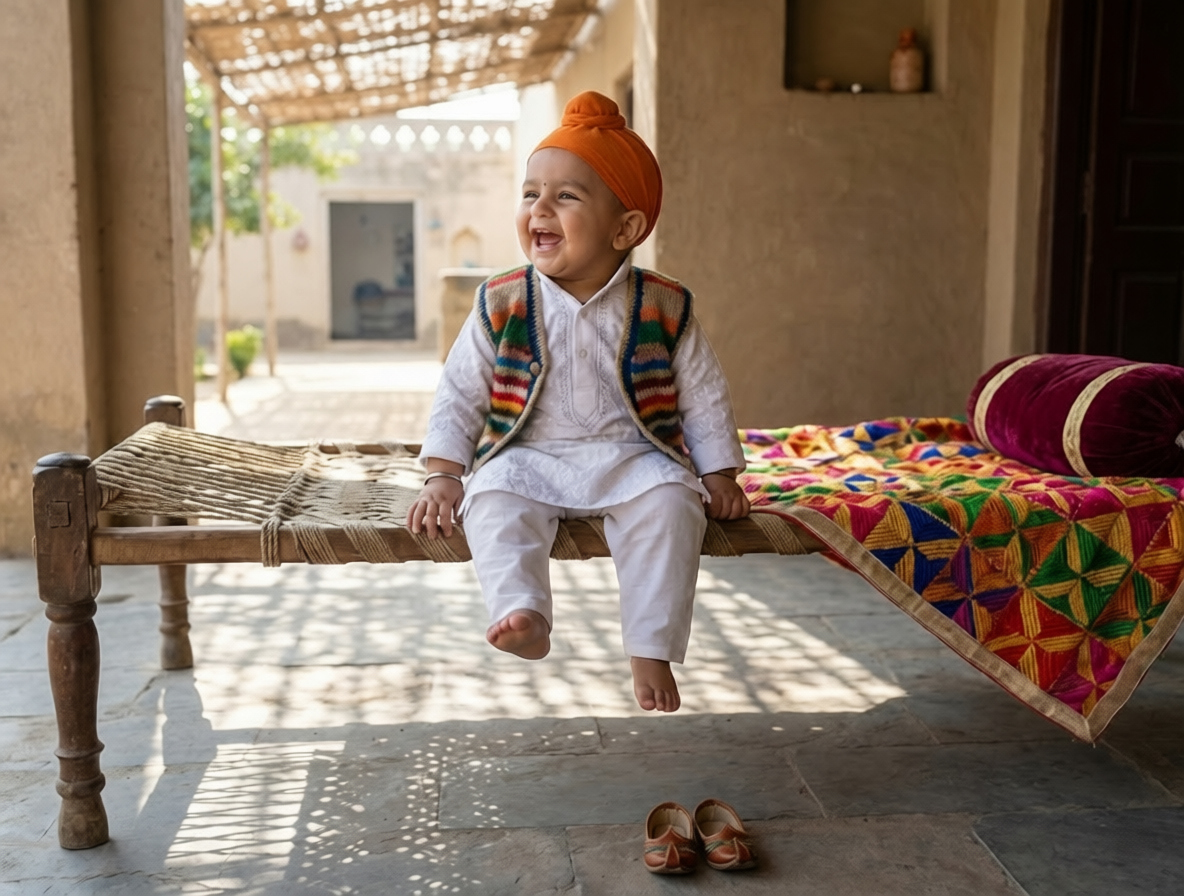
Pick from classic Krishna scenes — studio swing, butter pot riverbank, temple doorway, peacock close-up, or marigold garden. Each scene has its own prompt template optimized for that mood and composition.
Step 3
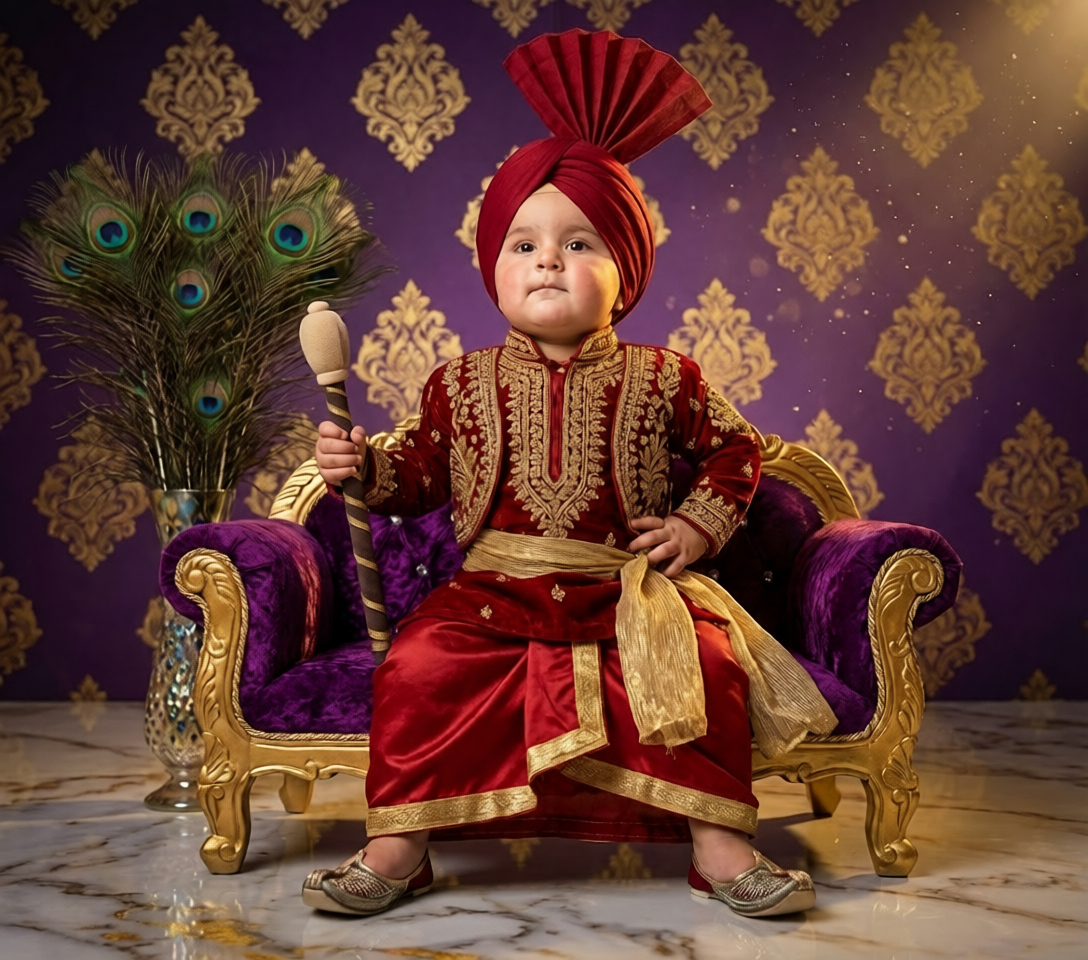
Use a prompt that explicitly tells the AI to use the reference image for face identity only — same eyes, nose, mouth, skin tone — while ignoring its clothing, background, and pose.
Step 4
Run the first generation, evaluate the result, and only change one variable at a time on subsequent runs. This methodical approach helps you learn what each prompt component actually does.
Step 5
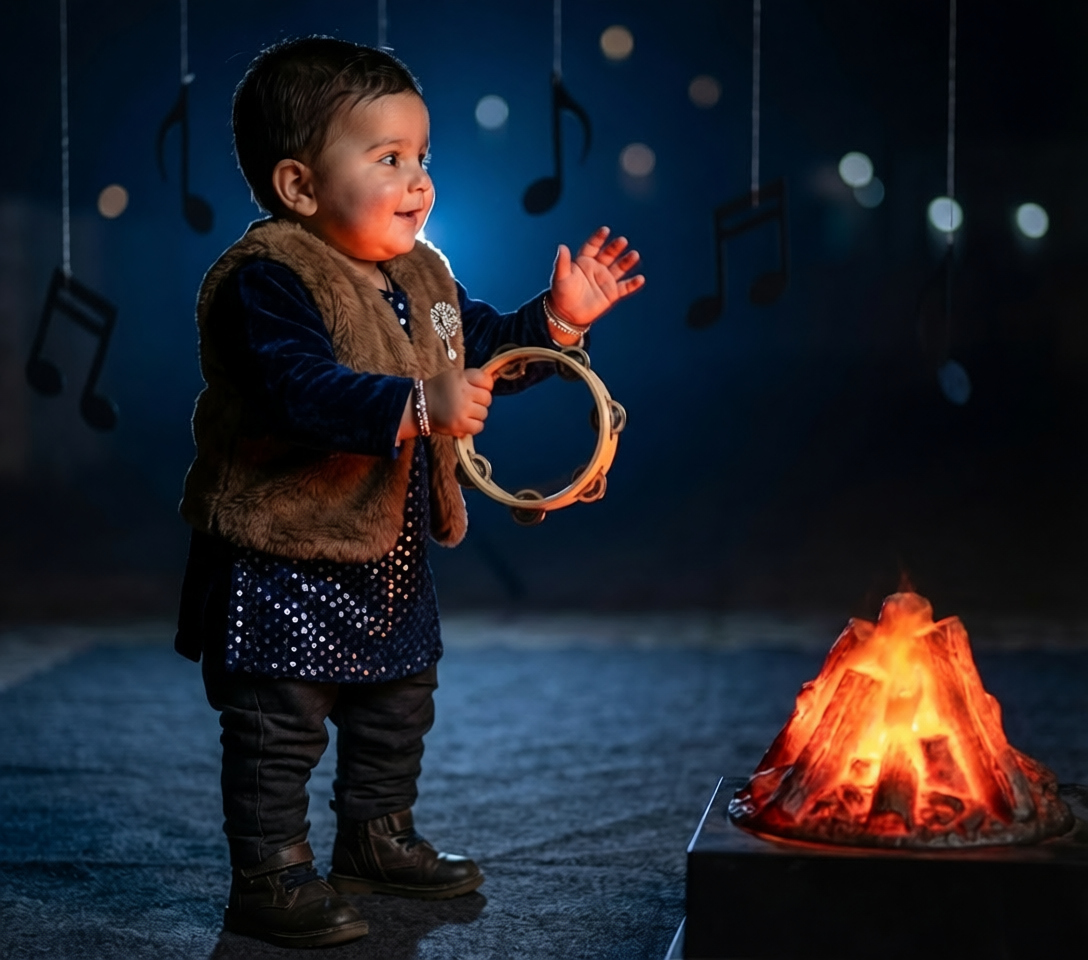
Apply consistent color grading across all final images for visual cohesion. Export at full resolution (4096x6144 or higher) for printing and album use.
Most failed AI portraits aren't the AI's fault — they're the prompt's fault. A good Krishna prompt has six distinct components, each doing a specific job. Let's break down a real prompt line by line.
prompt
The full prompt — we'll break this down piece by piece below
A close-up portrait of a 9-month-old baby styled as Lord Krishna, seated on a carved wooden swing surrounded by marigold garlands and peacock feathers.

Use the face identity from the reference image ONLY: same eyes, nose, mouth, face shape, skin tone, and any visible birth marks. Do NOT copy clothing, background, pose, or expression from the reference.

The baby wears a bright yellow silk dhoti with gold trim, a peacock feather crown, and layered pearl necklaces. The scene is a warm studio setup with teal drapery and soft cotton clouds on the floor.

Camera at 85mm focal length, f/1.8, close-up framing from chest to top of crown, eye-level angle with a slight 5-degree downward tilt.

Lighting is soft studio light: main softbox from camera left, subtle rim light from behind, gentle warm color grading. Fine-art portrait photography style, ultra-detailed, 8K resolution, shallow depth of field, creamy bokeh background.
Full prompt above
Subject and Role
A close-up portrait of a 9-month-old baby styled as Lord Krishna...
Establishes who the subject is (age matters for proportions) and the role they're playing. This anchors the AI's interpretation immediately.
Face-Lock Instruction
Use the face identity from the reference image ONLY...
The most important line in the entire prompt. This separates identity from styling and is what makes the baby look like YOUR baby instead of a generic AI baby.
Costume Specification
yellow silk dhoti with gold trim, peacock feather crown...
Detailed material + color + item structure. The AI responds much better to specific phrases than vague descriptions like 'traditional Krishna outfit.'
Camera Setup
Camera at 85mm focal length, f/1.8...
Photography terminology activates real-world photography knowledge in the model. 85mm + f/1.8 specifically signals classic portrait look with shallow depth of field.
Lighting Direction
softbox from camera left, subtle rim light from behind...
Professional lighting language pushes the output toward studio-quality results. Mentioning specific light positions creates more dimensional, polished images.
Quality Modifiers
8K resolution, shallow depth of field, creamy bokeh...
Final polish layer. These keywords nudge the model toward higher detail and more refined output, though they have less impact than the core structural elements above.
Without face-lock instruction
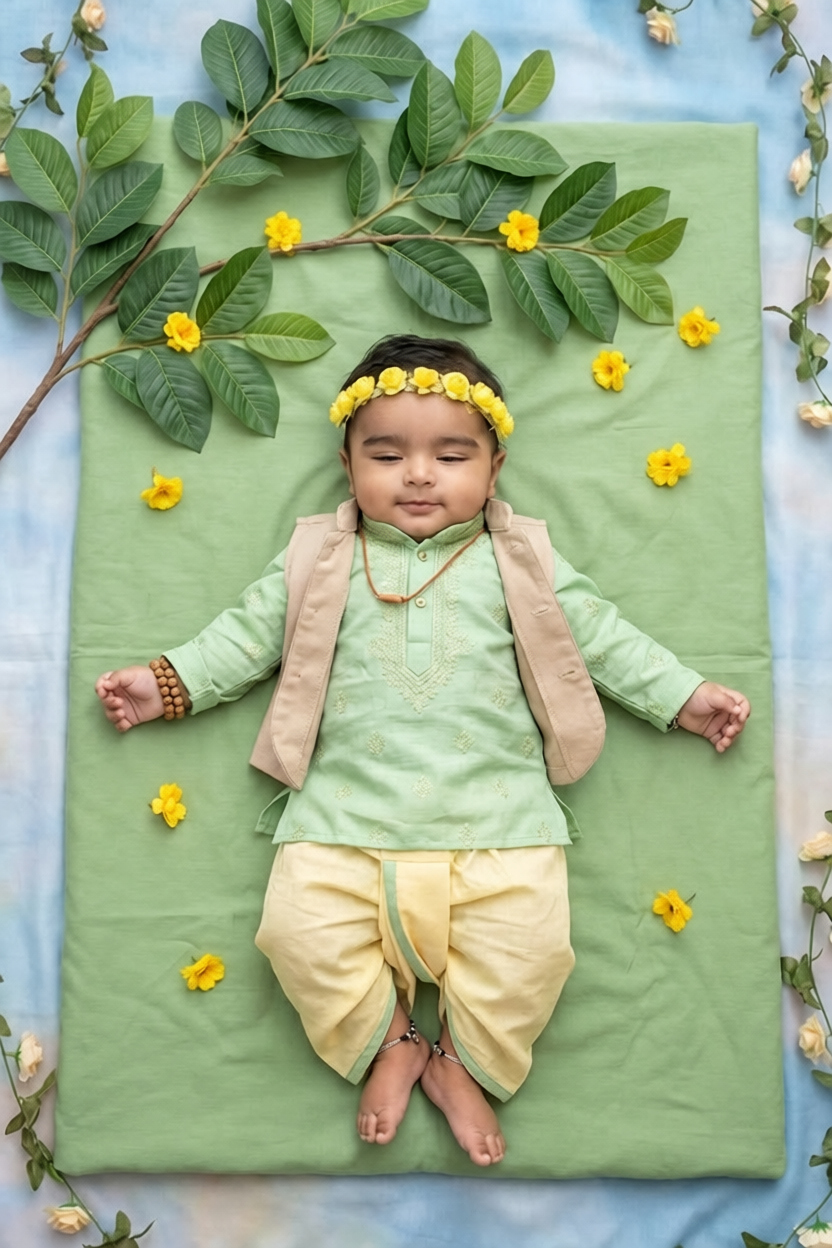
With proper face-lock instruction
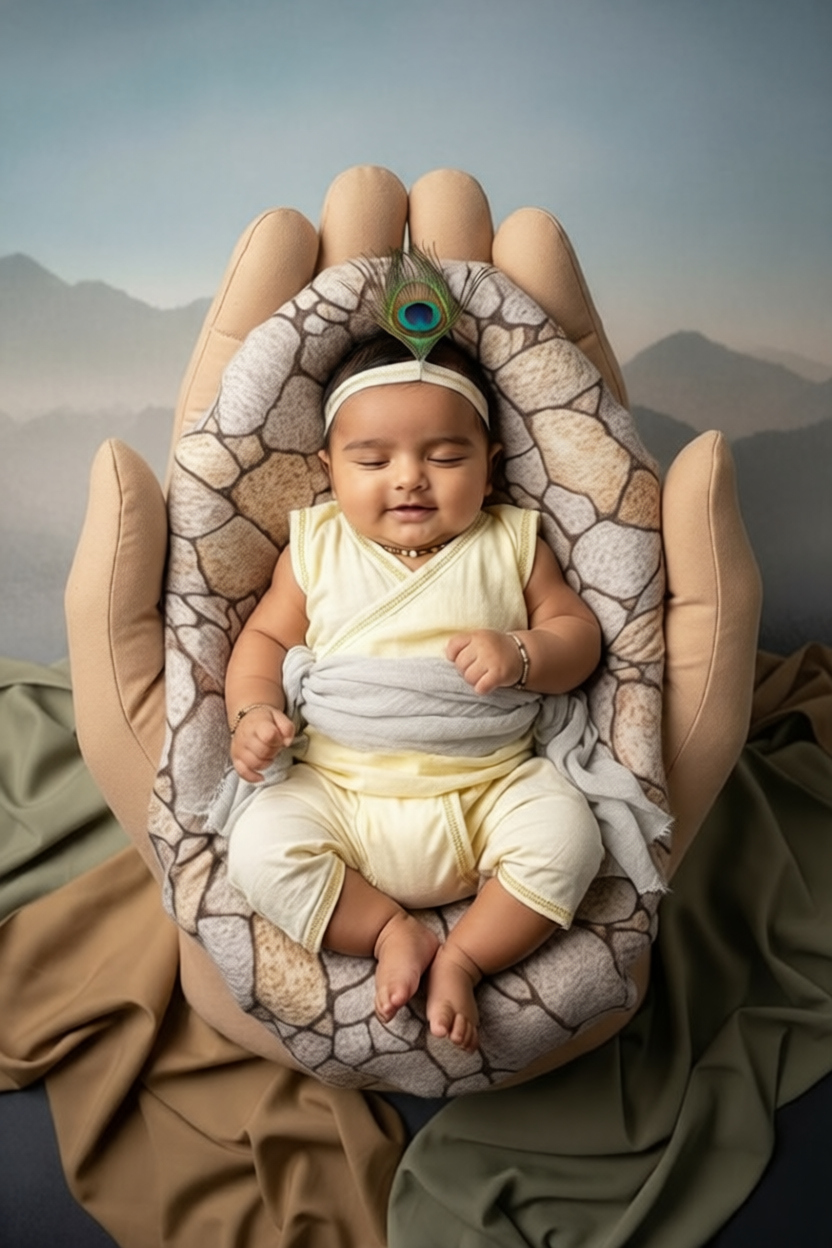
Same scene, same costume, same lighting — only difference is the face-lock instruction. The left image is a generic AI interpretation. The right image preserves the actual baby's eyes, face shape, and skin tone.
Once you have the base prompt working, try these scene variations using the same face-lock structure:
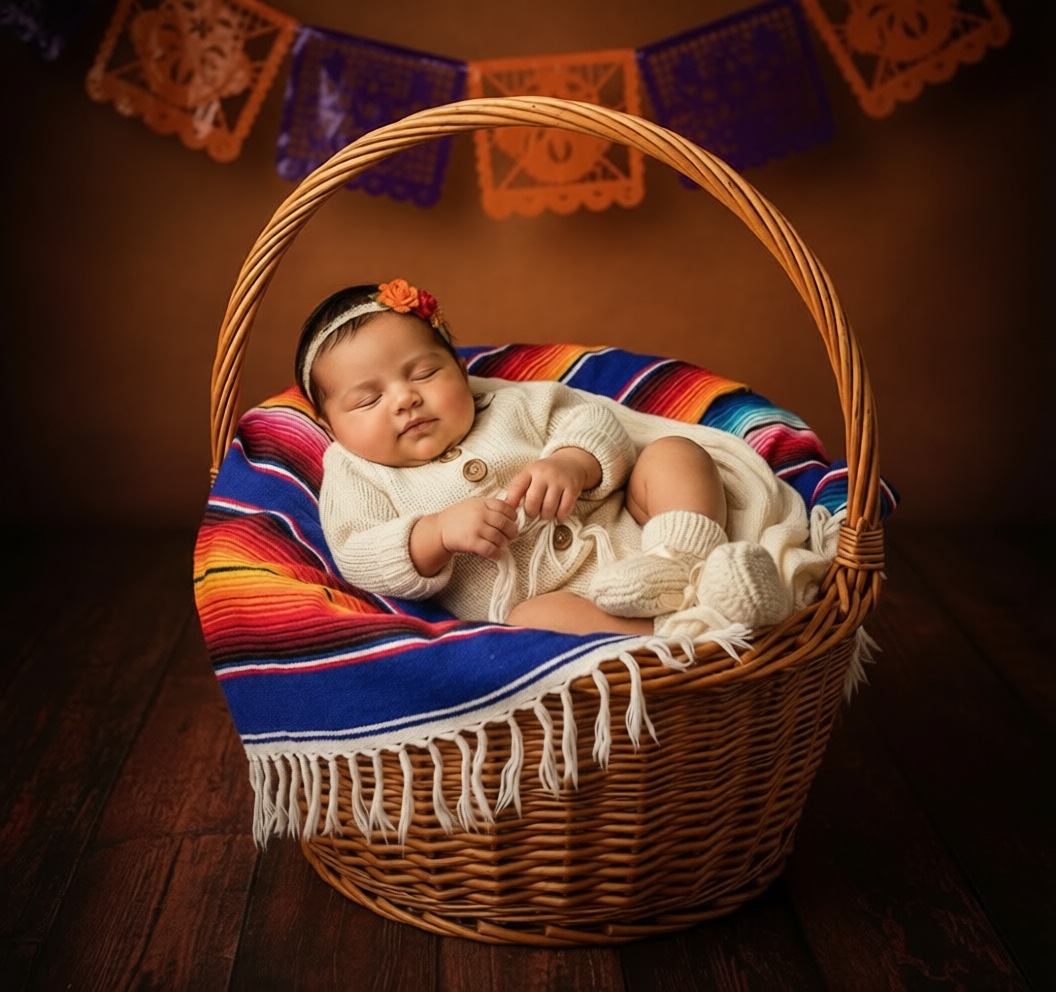
Toddler reaching for a butter pot near a calm river at golden hour
near a calm river with golden hour light, reaching for a clay butter pot
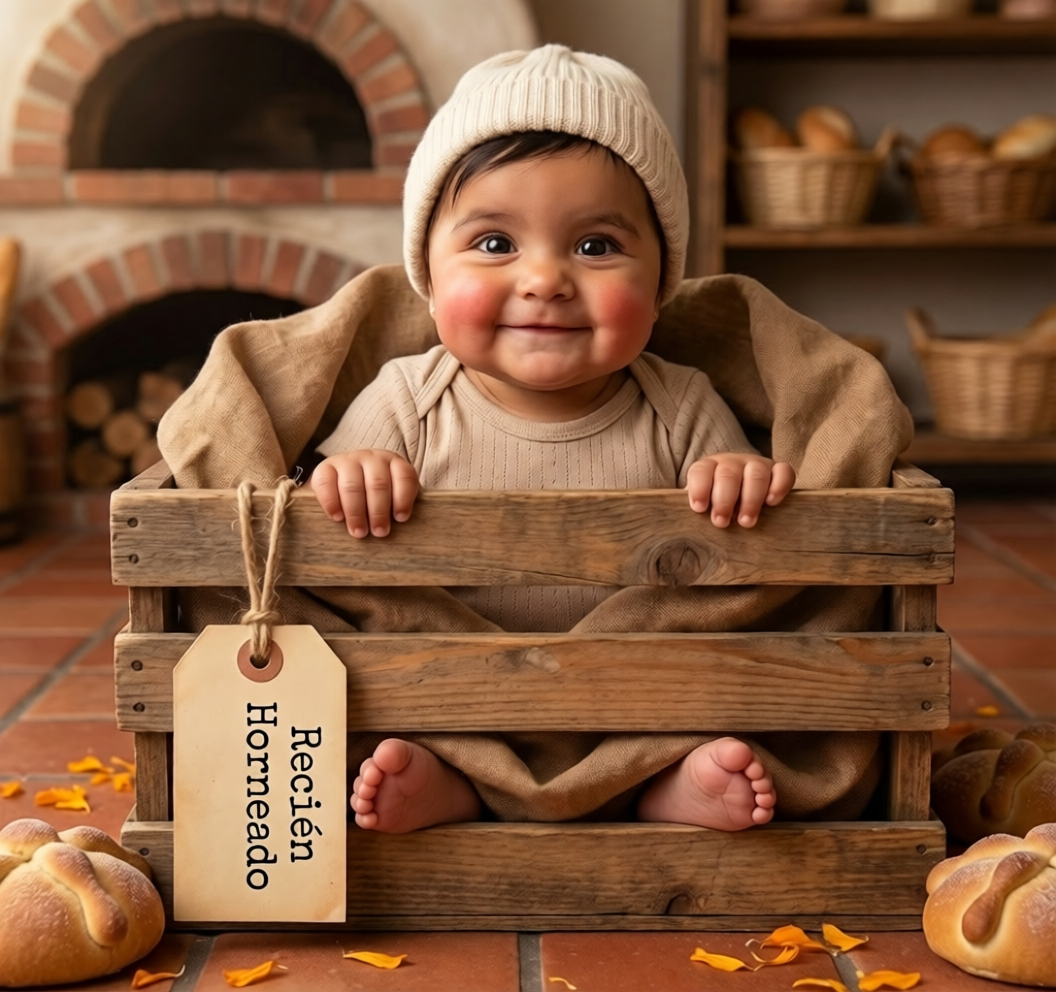
Baby in a traditional temple doorway with brass diya lamps
framed in an ornate temple doorway with lit brass diyas
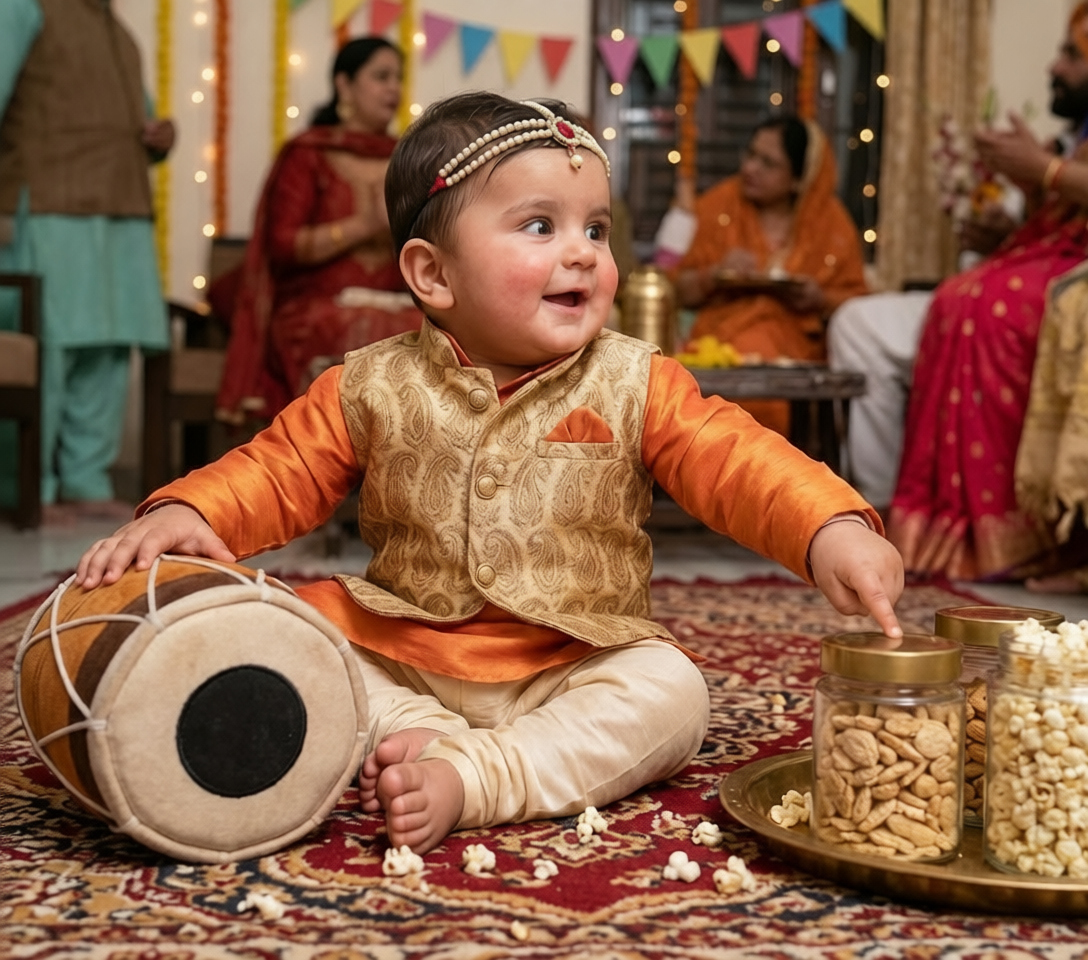
Toddler with gentle calves in a soft green pasture
in a soft green pasture with gentle calves nearby
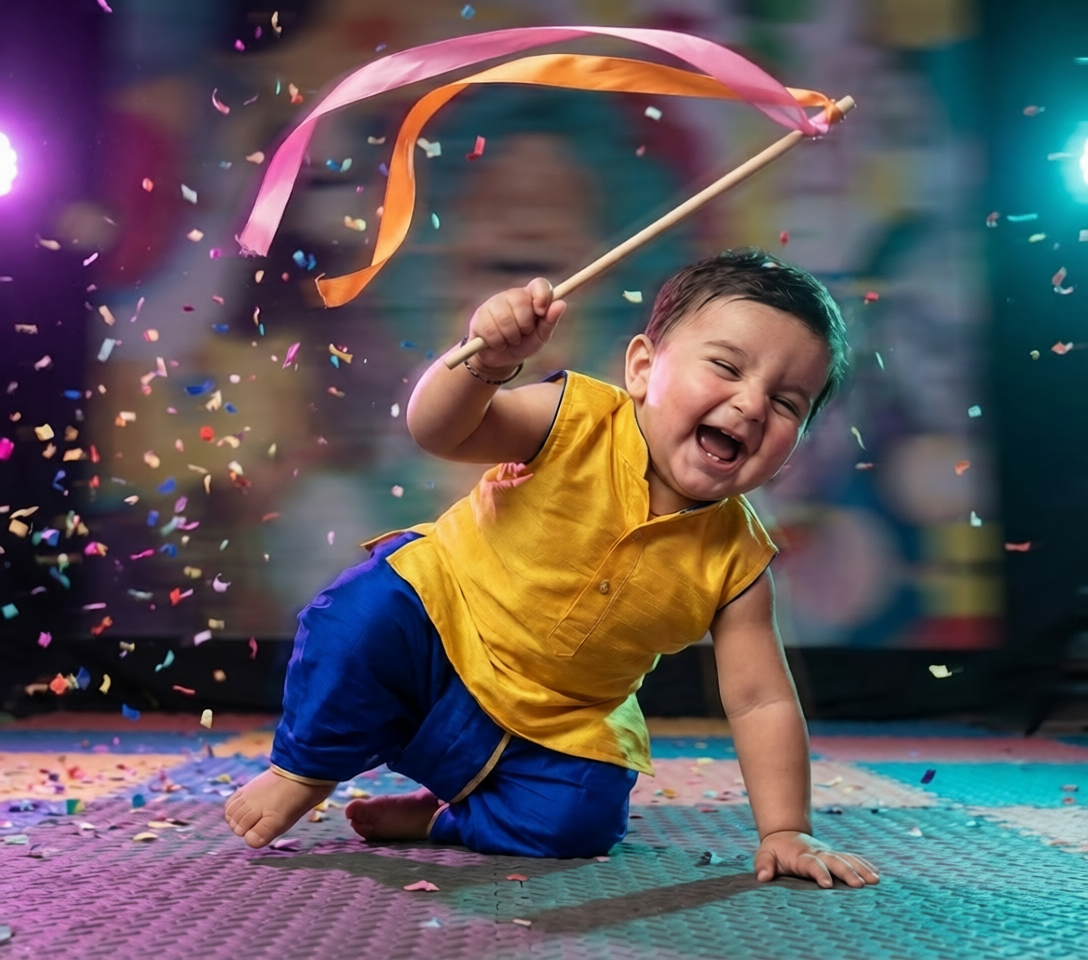
Baby seated on a stylized lotus with morning mist
seated on a stylized pink lotus with soft morning mist
Meet Riya Sharma
Newborn & Family Portrait Photographer · Little Lotus Studio · Mumbai, India · 6+ yrs
Riya runs a boutique studio specializing in themed festival shoots. She adopted AI workflows in 2025 and now delivers 3x the portrait volume per client without sacrificing quality.
Riya's client wanted a complete Janmashtami album for their 8-month-old son. Traditional approach would have meant 3 days of studio time, multiple costume changes, and at least Rs 50,000 in costs. Instead, Riya did one 30-minute home reference session and generated 50 portraits in a single afternoon.
Day 1, 10:00 AM
Reference Session at Client's Home
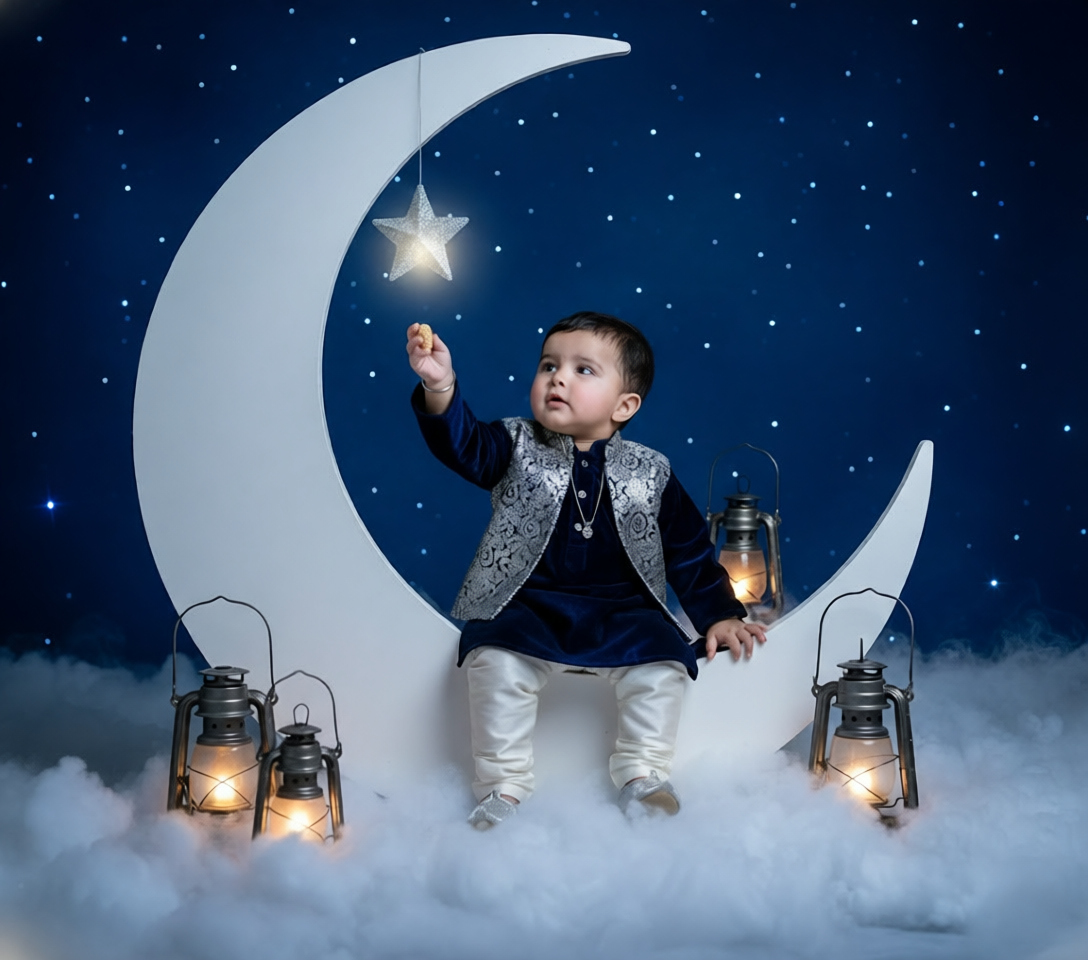
30-minute session capturing 3 reference photos using natural window light. No costumes, no props.
Day 1, 12:00 PM
Scene Selection
Riya picked 10 distinct scenes from the Promptworld Krishna Baby Pack — swing, riverbank, temple, peacock close-up, marigold garden, and 5 more.
Day 1, 1:00 PM
Generation Phase
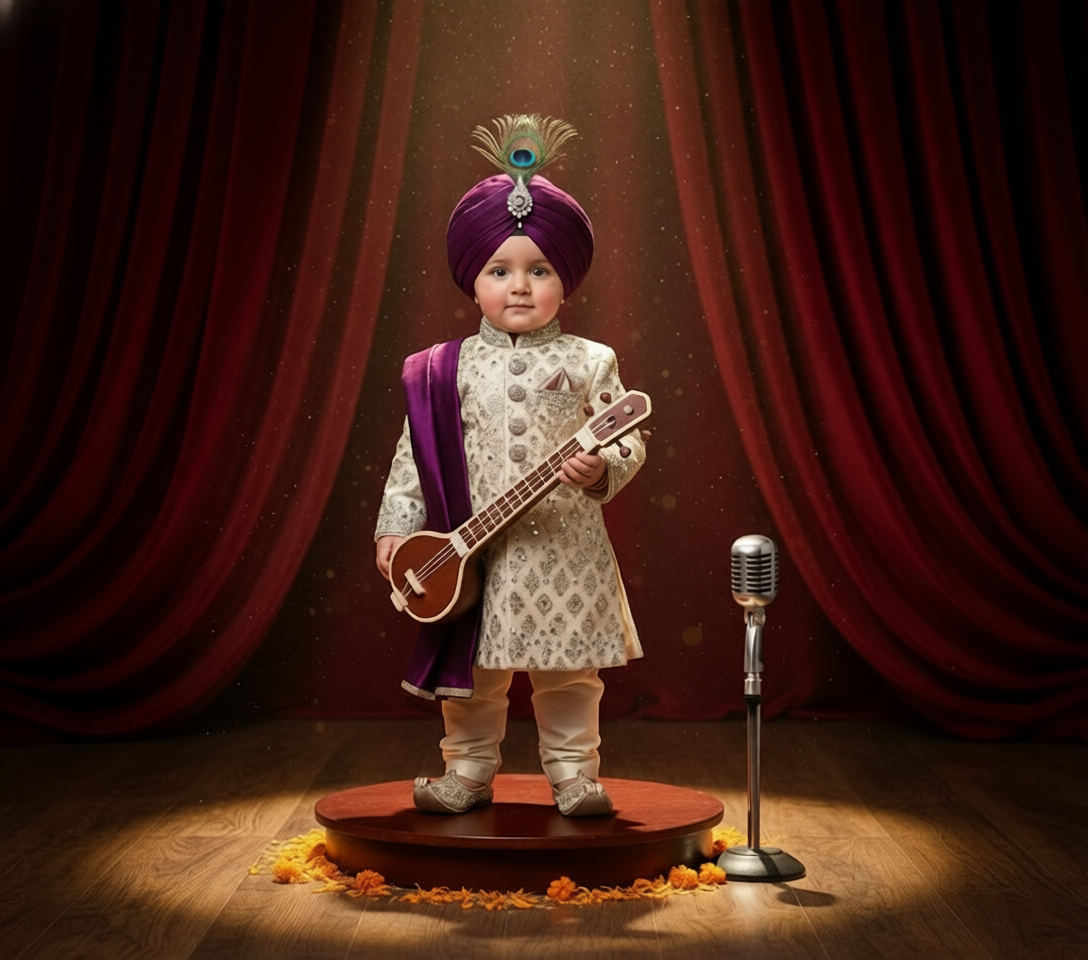
Generated 5 variations per scene = 50 raw portraits in approximately 90 minutes of generation time.
Day 1, 3:30 PM
Color Grading
Applied her signature Lightroom preset across all 50 images for visual consistency. Took 45 minutes.

Day 1, 5:00 PM
Delivery
Exported high-resolution files, packaged in her standard delivery template, sent to client. Total project time: 7 hours.

“I was skeptical that AI could match my baby's face properly, but the results were stunning. We got 50 beautiful portraits without putting my son through a 3-day shoot. The album turned out gorgeous and my whole family thought we hired a celebrity photographer.”
Priya M.
Mother of the baby
Studio rental (3 days)
Rs 15,000 · 24 hours
Costume sourcing
Rs 8,000 · 8 hours
Props and decor
Rs 12,000 · 6 hours
Photographer fee
Rs 25,000 · 20 hours
Editing and retouching
Rs 10,000 · 15 hours
Total: Rs 70,000
Time: 73 hours
Reference session at home
Rs 0 · 0.5 hours
Promptworld pack
Rs 1,499 · 0 hours
AI generation credits
Rs 800 · 1.5 hours
Photographer time
Rs 8,000 · 5 hours
Color grading
Included · 1 hour
Total: Rs 10,299
Time: 8 hours
Savings: Rs 59,701 (85%)
| Metric | Traditional | AI-Powered |
|---|---|---|
| Total time | 3 days | 1 afternoon |
| Final image count | 20-30 | 50+ |
| Unique scenes | 6-8 | 10+ |
| Total cost | Rs 70,000 | Rs 10,299 |
| Baby stress level | High | Low |
| Revisions allowed | Limited | Unlimited |
| Album-ready in | 2-3 weeks | Same day |
 Free
FreeClassic close-up portrait on a wooden swing with marigolds and peacock feathers
Best for: Perfect for first-timers and indoor settings
Close-up portrait of [age] baby as Lord Krishna on carved wooden swing, marigold garlands, peacock feathers, yellow silk dhoti, soft studio lighting, 85mm f/1.8...
Toddler reaching for butter pot at calm river during golden hour
Best for: Great for outdoor mood and warm color palettes
Toddler styled as Lord Krishna reaching for clay butter pot, calm riverbank, golden hour lighting, traditional dhoti, peacock feather crown...
Ornate temple doorway with brass diya lamps and deep shadows
Best for: Dramatic mood for festival cards and prints
Baby Krishna framed in ornate temple doorway, lit brass diya lamps, deep warm shadows, traditional ornaments, cinematic lighting...
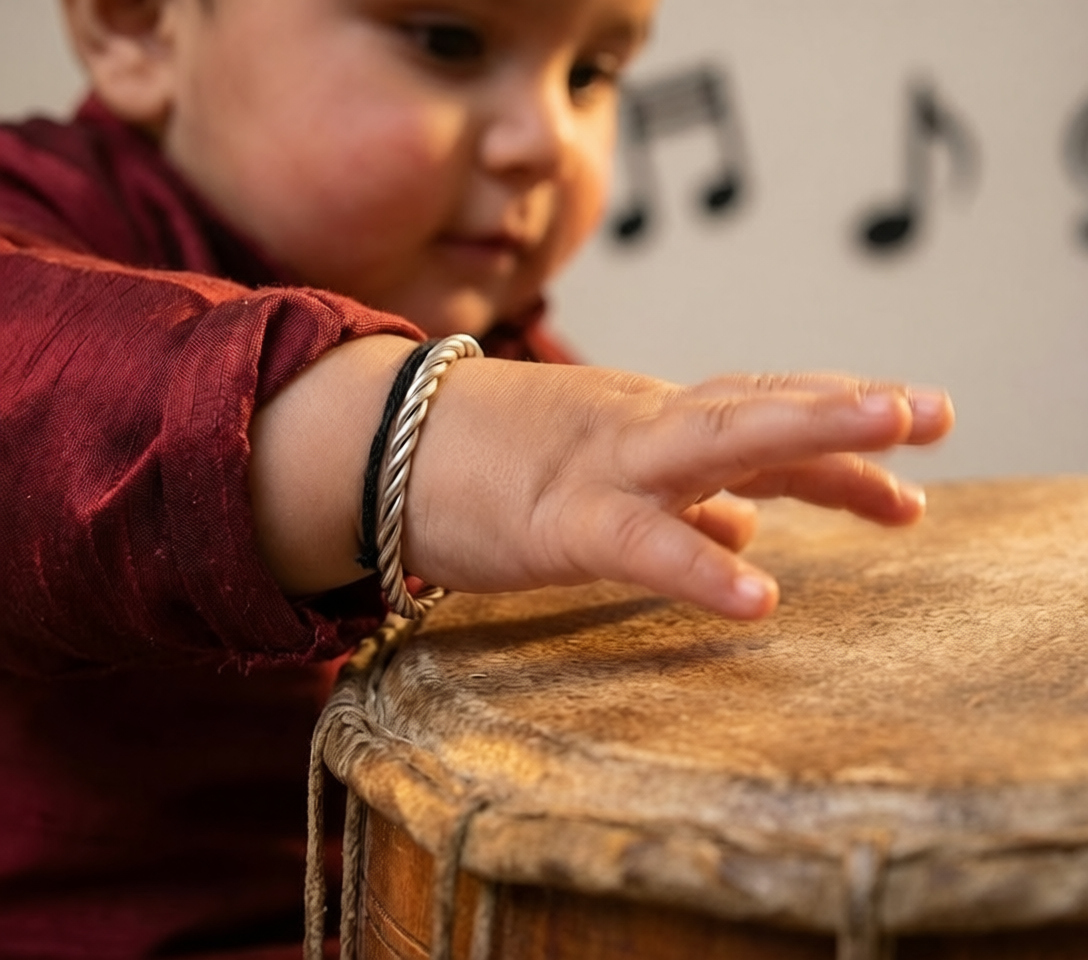
Stylized lotus seat with morning mist and ethereal mood
Best for: Best for fine-art prints and wall display
Baby Krishna seated on stylized pink lotus, soft morning mist, ethereal lighting, peacock feather crown, dreamy bokeh background...
Get 3 of our most popular Krishna prompts completely free, including the Studio Swing Classic featured above.
Watch out for these issues — they account for almost all bad AI Krishna portraits we see:
If the reference is blurry, dark, or shows an unnatural angle, the AI has nothing solid to lock onto. The face match will be inconsistent across generations.
→ Re-shoot the reference with soft window light, frontal angle, and clear focus before continuing.
Without explicit instructions to use the reference for face only, the AI mixes the reference's clothing and background into the new scene.
→ Always include the line: 'Use the face identity from the reference image ONLY. Do NOT copy clothing, background, or pose.'
Phrases like 'traditional Krishna outfit' produce inconsistent results because the model has many possible interpretations.
→ Use specific phrases: 'yellow silk dhoti with gold trim, peacock feather crown, layered pearl necklaces.'
If you change scene + costume + lighting + camera all in one revision, you can't tell which change improved or worsened the output.
→ Change one variable per generation round so you learn what each component does.
Without focal length and aperture specs, you get flat, snapshot-like results instead of professional portraits.
→ Always include '85mm focal length, f/1.8' or similar camera specs.
The first generation rarely lands perfectly. Single attempts mean you're at the mercy of randomness.
→ Generate at least 4-5 variations of each scene with the same prompt to find the best one.
Raw AI outputs across different scenes have inconsistent color temperature and contrast, making albums feel disjointed.
→ Apply a single color grading preset across all final images for cohesive visual identity.
What we do
What we don't do
“Children's photos require an extra layer of care. The convenience of AI tools should never come at the cost of a child's privacy or future digital safety.”
— Promptworld Trust & Safety Team
Best practices for working with children's photos in AI:
Always get written consent
If you're a photographer, include a specific AI usage clause in your client contract. Don't bury it in general terms.
Choose region-appropriate platforms
Use AI tools that comply with your region's child privacy laws (COPPA in the US, GDPR-K in Europe, India's DPDP Act).
Limit reference image retention
Delete reference images from AI platforms immediately after final delivery. Don't leave them on cloud servers indefinitely.
Watermark social media versions
When posting AI portraits publicly, use light watermarks to discourage misuse and reuse by others.
Likely cause
Either the face-lock instruction is missing, or the reference photo is too low quality for the AI to extract clean facial features.
Fix
Add the explicit face-lock instruction and verify your reference is clear, well-lit, and shows the face frontally.
Watch our 5-minute walkthrough showing the complete workflow from reference photo to final delivery
Download our printable PDF checklist covering every step from reference photo to final delivery. Perfect for keeping next to your workstation.
PDF · 1.2 MB · Email required
DownloadGet the complete Krishna Baby Portrait Pack — 25 tested prompts, free updates, and lifetime access.
Join 12,000+ parents and photographers getting fresh AI prompt packs, workflow tips, and case studies.
Get 5 free Krishna prompts when you subscribe
“Cut my festival shoot prep time in half. Game changer for my studio.”
Anita K.
Portrait Photographer
“The face-lock prompts actually work. My clients can't tell the difference.”
Rajiv S.
Family Photographer
“Finally, AI tools that respect children's privacy properly. Recommended.”
Meera P.
Mom and Hobbyist
Author
AI Photography Specialists
We're a team of photographers, prompt engineers, and AI researchers building the most reliable prompt library for portrait work. Every prompt in our packs is tested across multiple models before release.
TutorialsA step-by-step beginner walkthrough for parents and photographers new to AI prompts.
Prompt BreakdownsA deep dive analyzing every component of a real face-lock prompt that works.
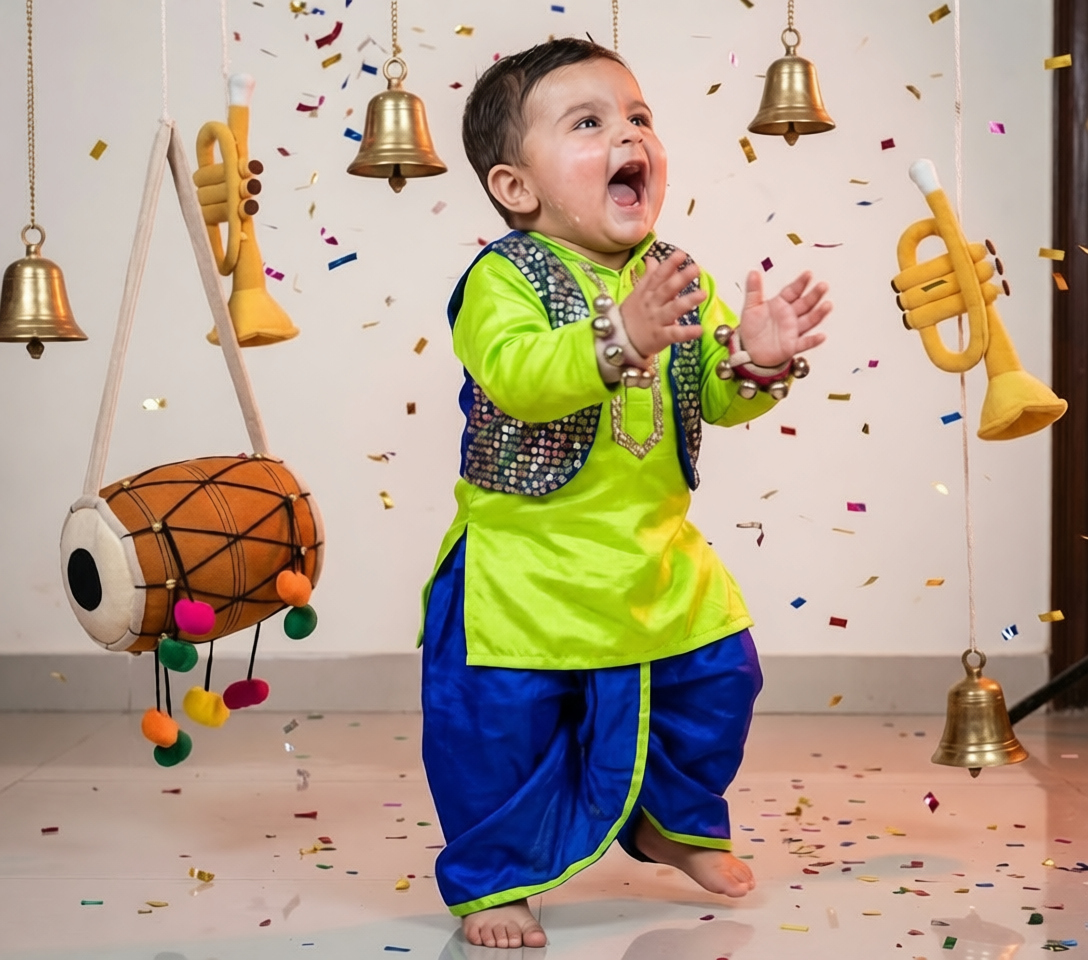 Case Studies
Real case study from a Mumbai photographer who saved 40+ hours per project.
Close-up portrait of [age] baby as Lord Krishna on carved wooden swing, marigold garlands, peacock feathers, yellow silk dhoti, soft studio lighting, 85mm f/1.8, photorealistic, ultra detailed.
View →Face-Lock Technology
Our prompts include built-in face-lock instructions that preserve identity from your reference photo across every generated scene — no manual prompt engineering required.
Everything Built Into Every Prompt
rising
Move away from saturated traditional colors toward soft pastels — gentle peach skies, dusty pink lotus blooms, and muted teal drapery. Especially popular for newborn portraits and minimalist albums.
Add 'soft pastel color palette, muted tones, watercolor lighting' to your base prompt
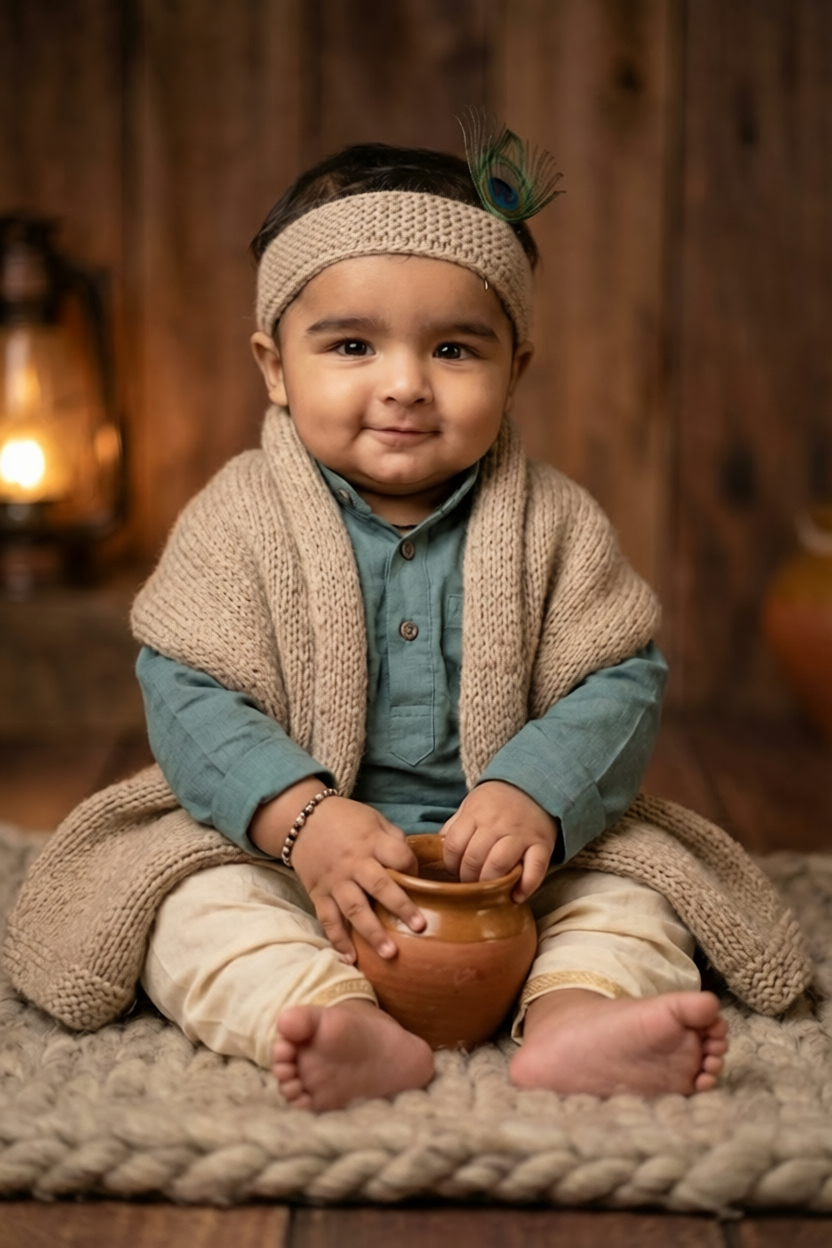
soft pastel · warm golden hour · minimalist · fine-art · watercolor mood · muted tones


Complete Guides