INSIGHTS & TUTORIALS
Blog
Loading posts…
Loading posts…
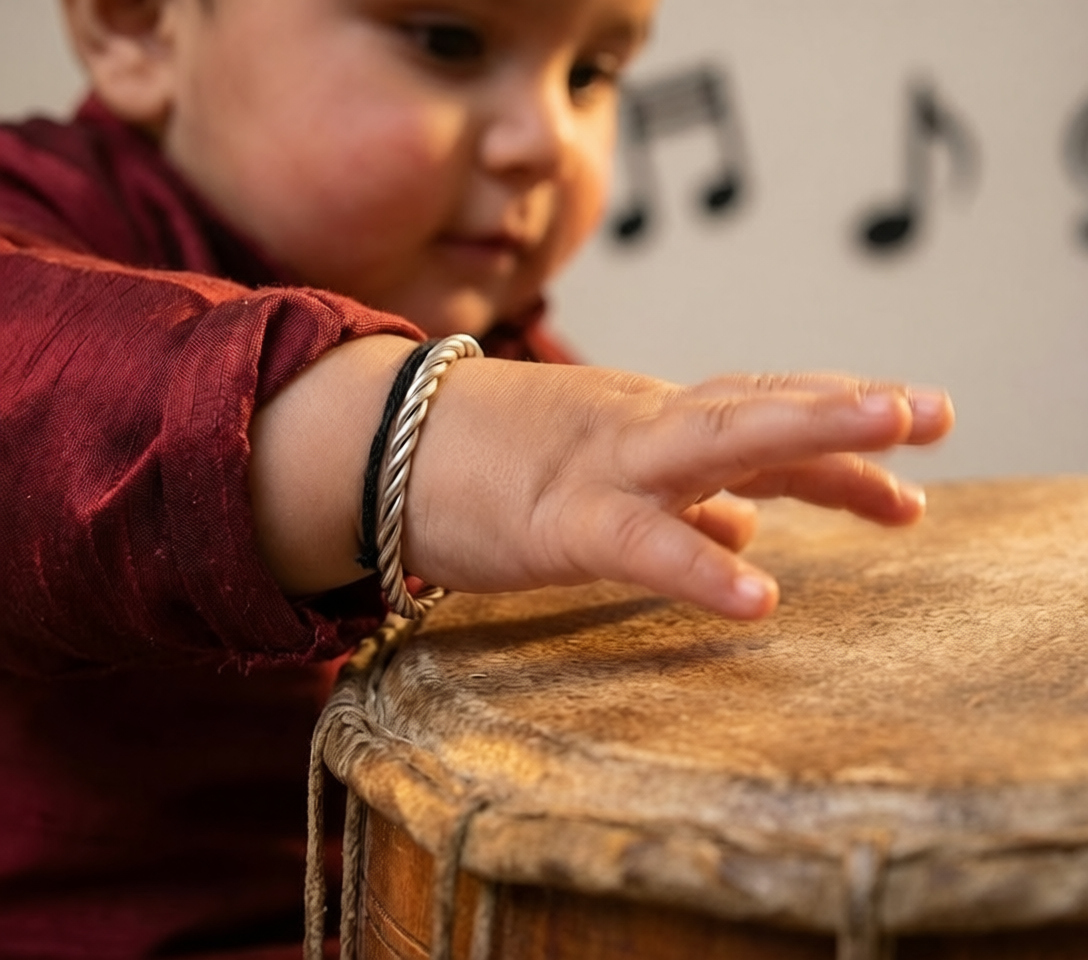
A real case study showing how a Mumbai-based newborn photographer used Promptworld's AI prompts to deliver 50 stunning Krishna-themed portraits to a client from only 3 reference photos — saving 40+ hours of studio work and ₹35,000 in props.
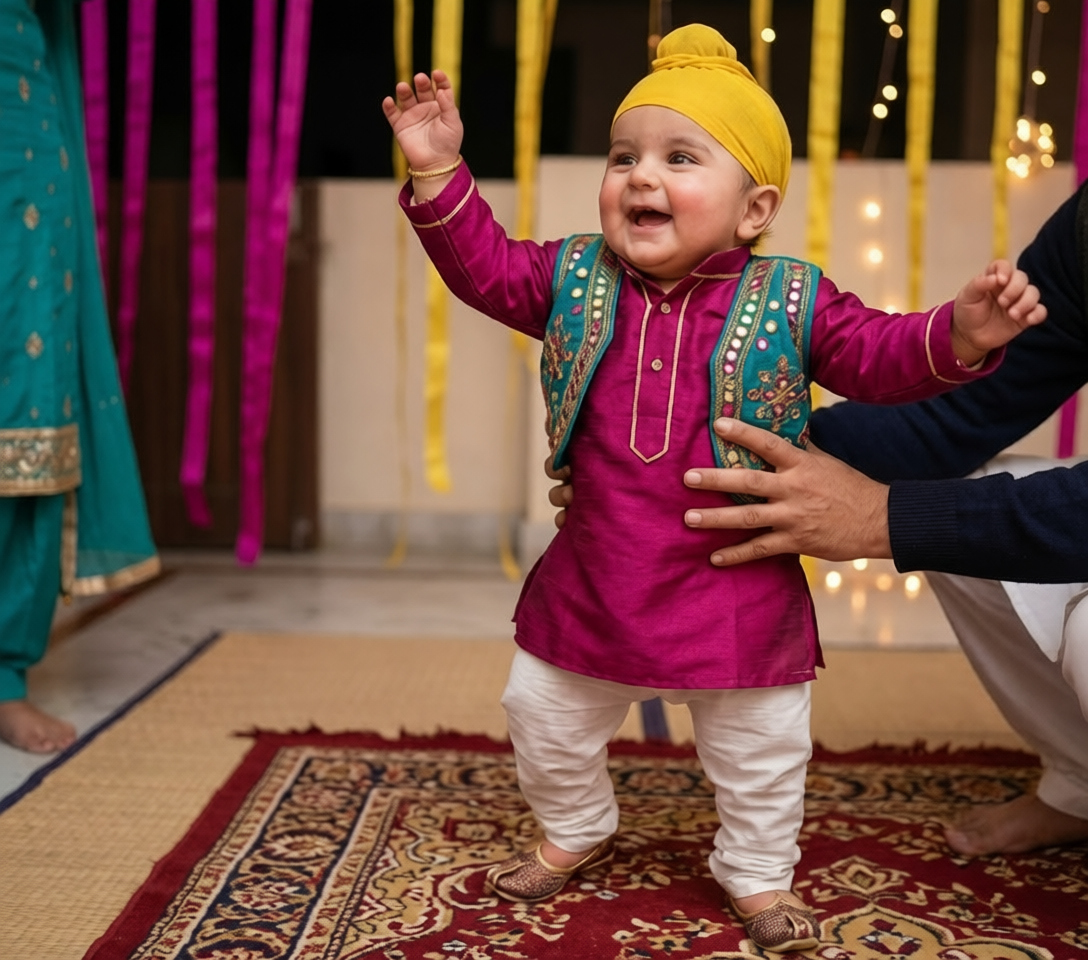
A Mumbai newborn photographer cut a 3-day shoot down to one afternoon — and delivered more variety than any traditional setup could produce.
50
→Final portraits delivered
3
→Reference photos used
40+
→Hours saved vs traditional shoot
₹35,000
→Saved on props & studio rental
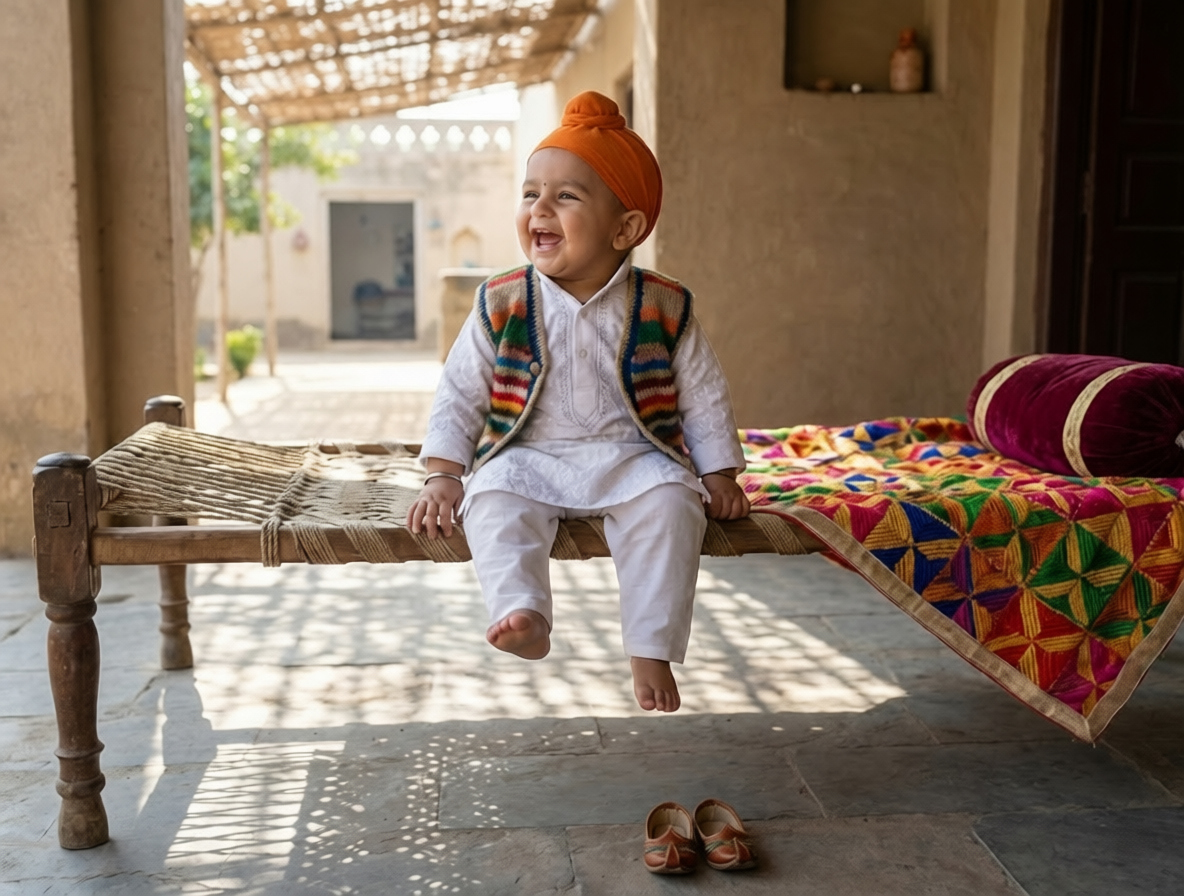
Meet the Photographer
Newborn & Family Portrait Photographer · Little Lotus Studio · Mumbai, India · 6+ yrs
Riya runs a boutique newborn photography studio specializing in themed festival shoots. Before adopting AI workflows, she shot 8–10 Janmashtami sessions per season — limited by prop availability and studio time.
Riya's client wanted a complete Janmashtami photo collection for their 8-month-old son — not just a few portraits, but enough variety to print a full 50-page album, send festival WhatsApp greetings to extended family, and create matching invitations for a naming ceremony. Traditionally, this would mean booking the studio for 2–3 days, sourcing multiple costumes, building 6–8 different sets, and managing a baby's mood across long sessions. The budget didn't allow for it, and frankly, neither did the baby's patience.
Riya discovered Promptworld's Krishna Baby Portrait pack — a curated collection of pre-tested AI prompts designed specifically to preserve face identity from a reference photo while changing everything else: outfit, scene, props, lighting, mood. Instead of generating 50 different shoots, she would generate 50 different prompts using the same 3 reference photos.
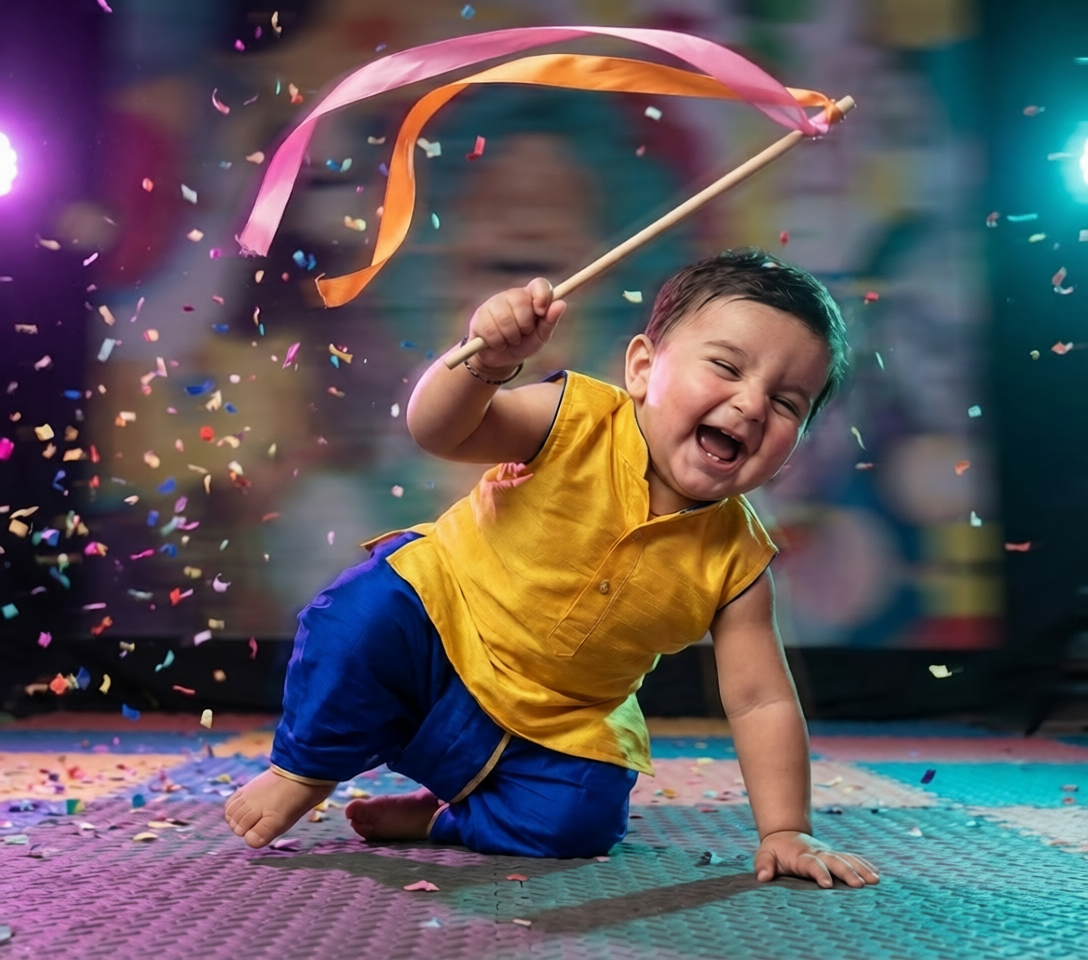
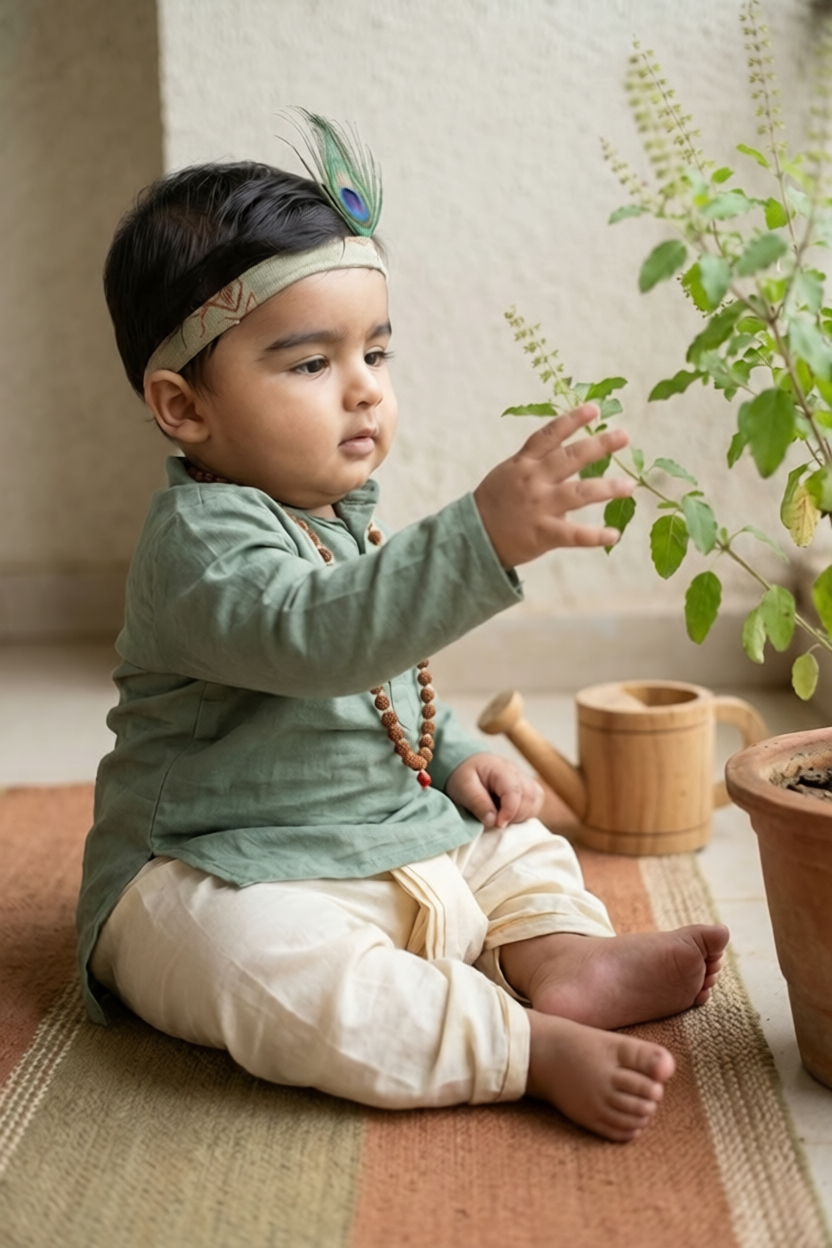
Riya did a quick 30-minute session at the client's home using natural window light. She captured three angles: a frontal shot, a slight three-quarter turn, and a close-up. No costumes, no props — just clear face shots in a relaxed environment.
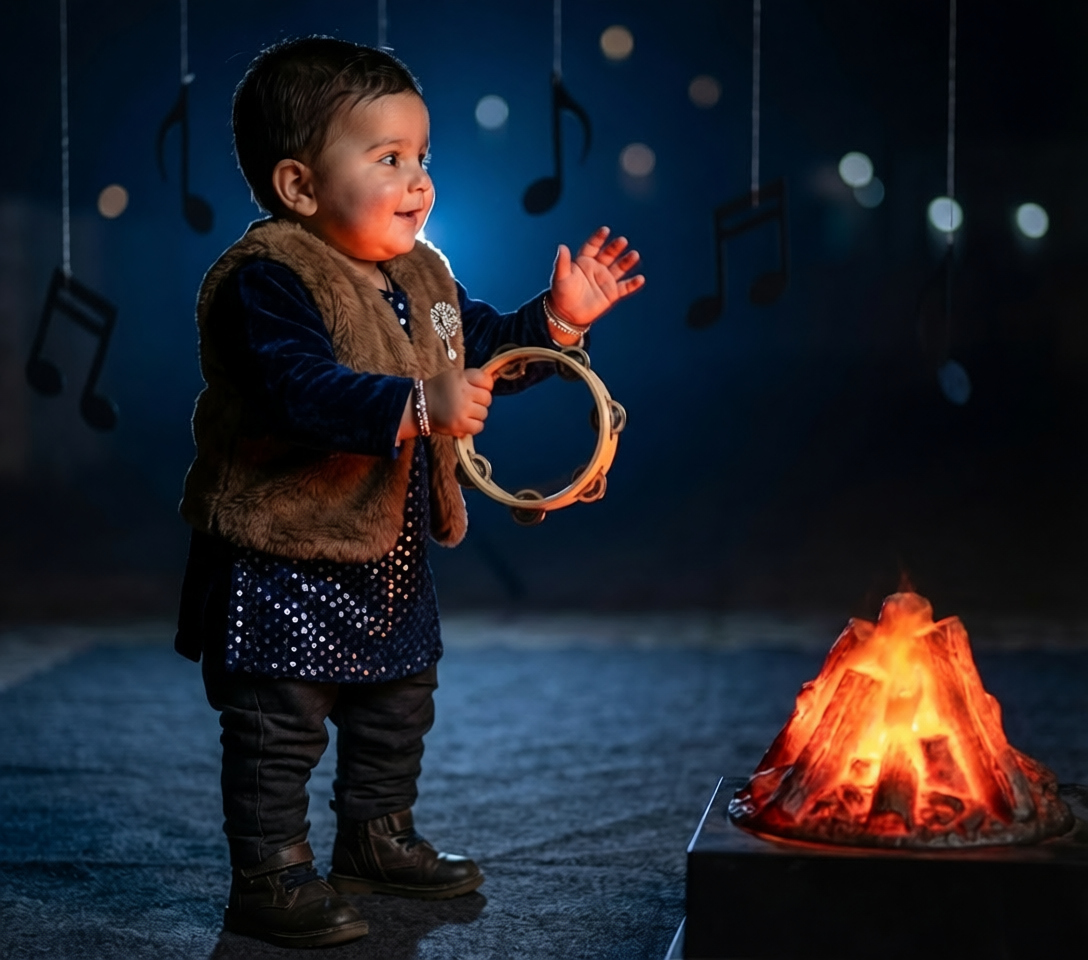
She browsed Promptworld's Krishna Baby Pack and shortlisted 10 distinct scenes: studio swing, riverbank butter pot, temple doorway, peacock feather close-up, marigold garden, and 5 more. Each prompt was already tested for face identity preservation.
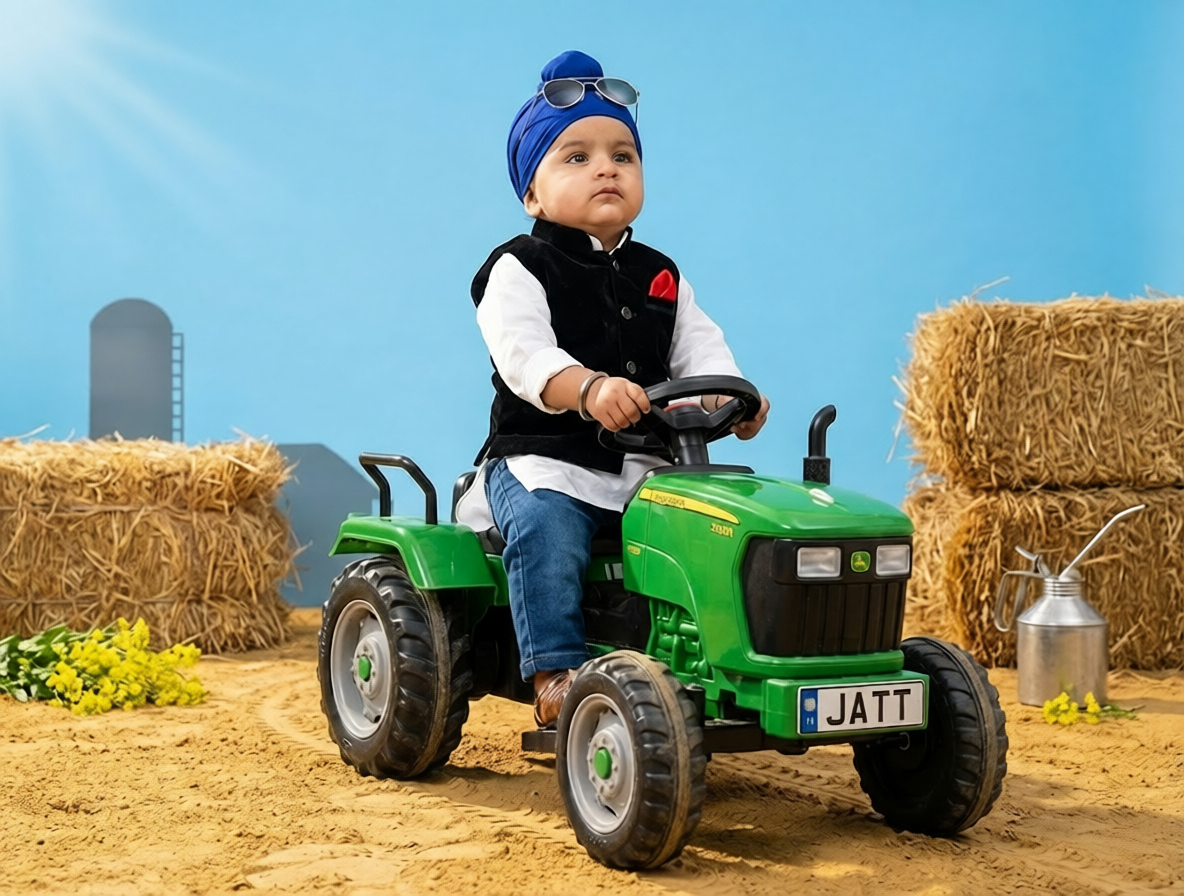
For each of the 10 scenes, she generated 5 variations by tweaking lighting and composition while keeping the face lock prompt identical. This gave her 50 raw outputs in roughly 90 minutes of generation time.
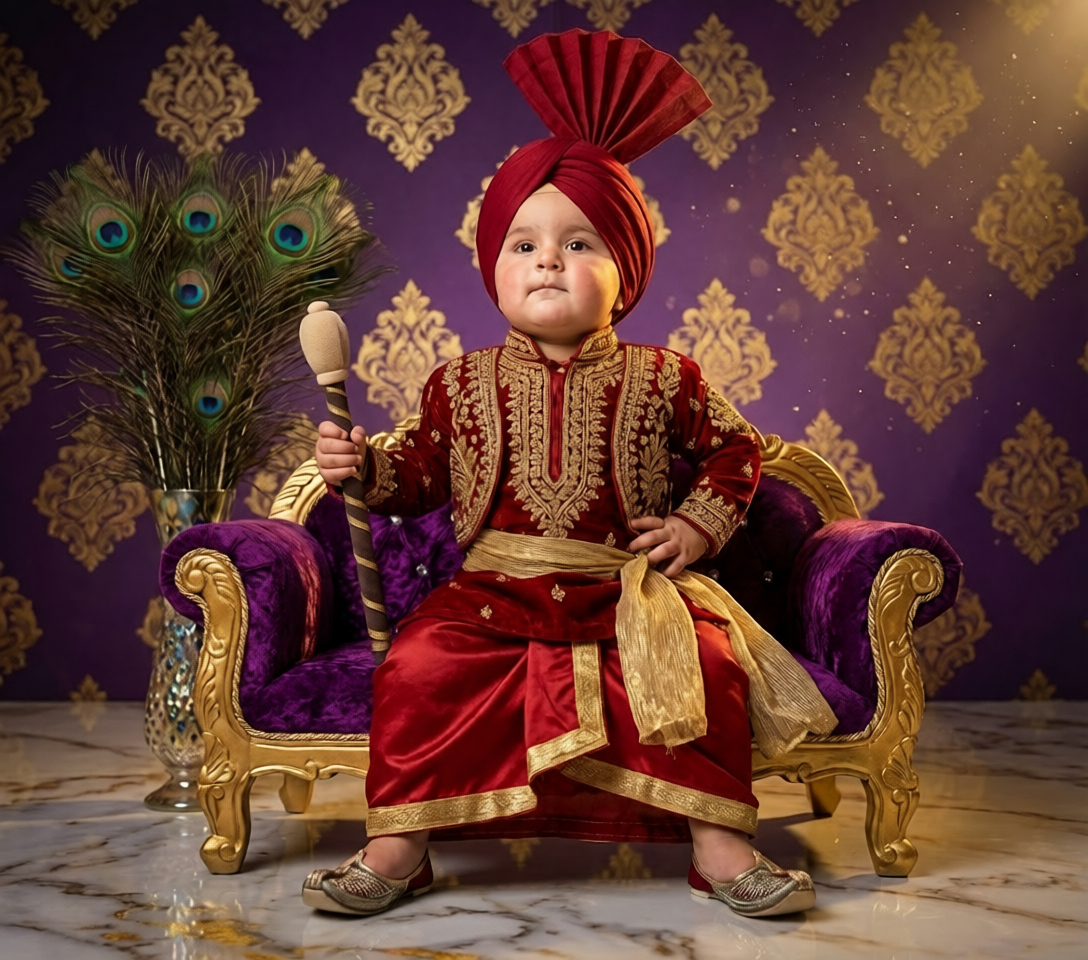
Riya applied her signature color grading preset to all 50 images in Lightroom for visual consistency — the same finish she uses on her real shoots. This took about 45 minutes total.
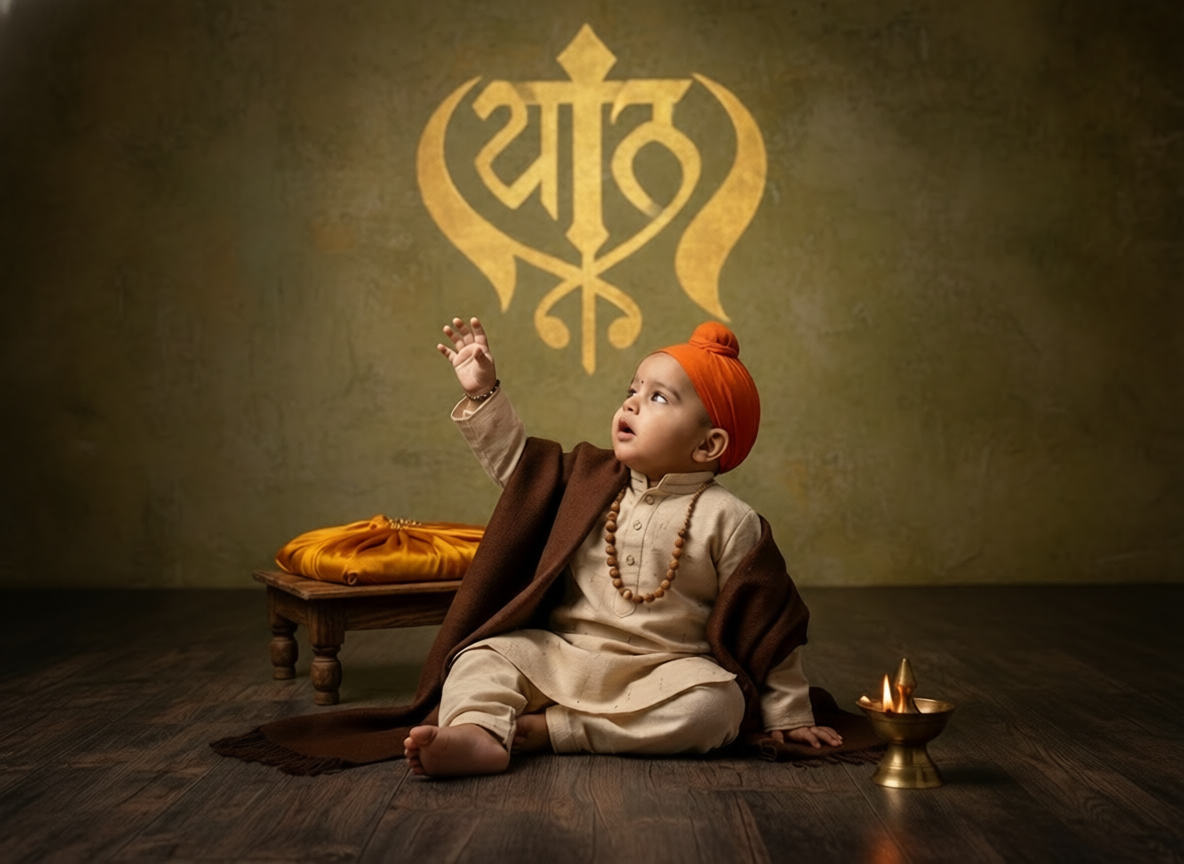
She exported high-resolution files (4096×6144 px) suitable for printing, packaged them with her standard delivery template, and sent the gallery to the client within 6 hours of starting the project.
One of 3 reference photos (taken at home)
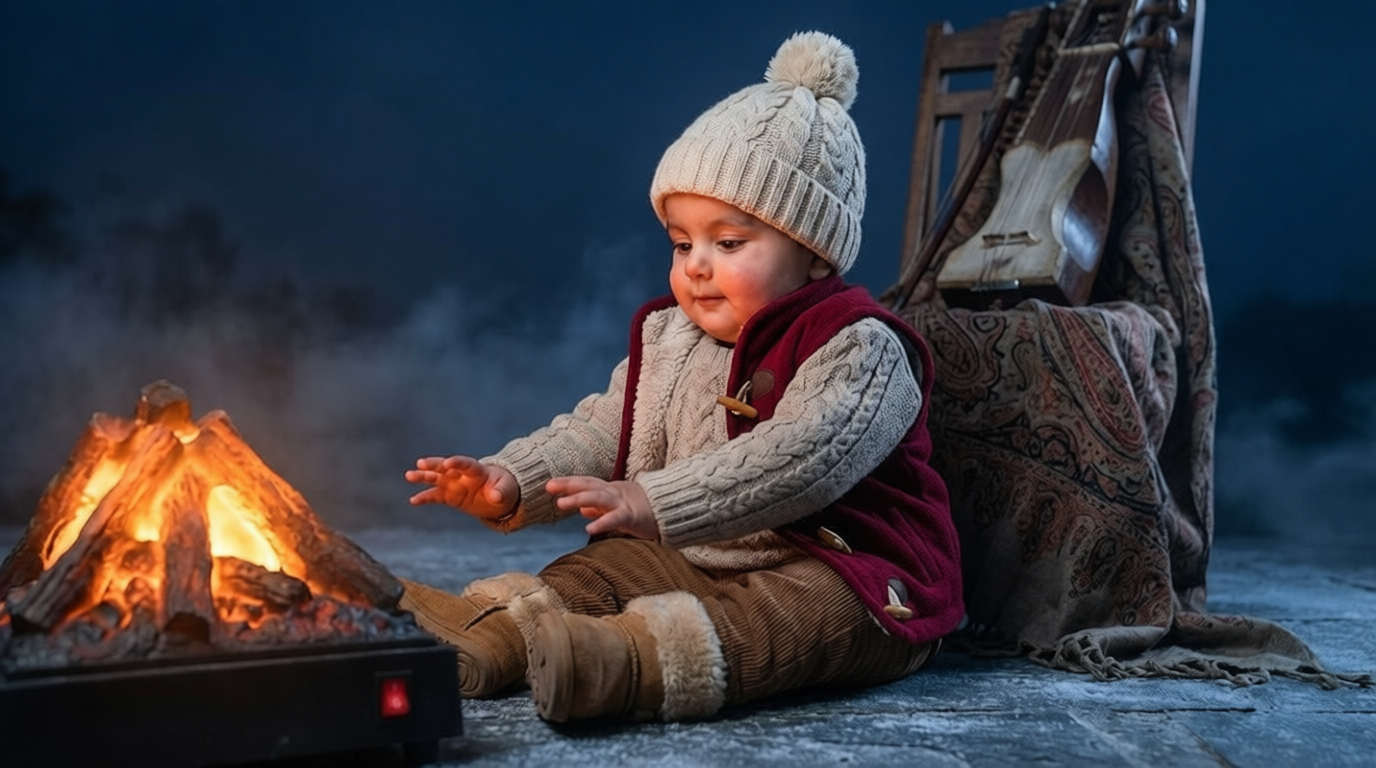
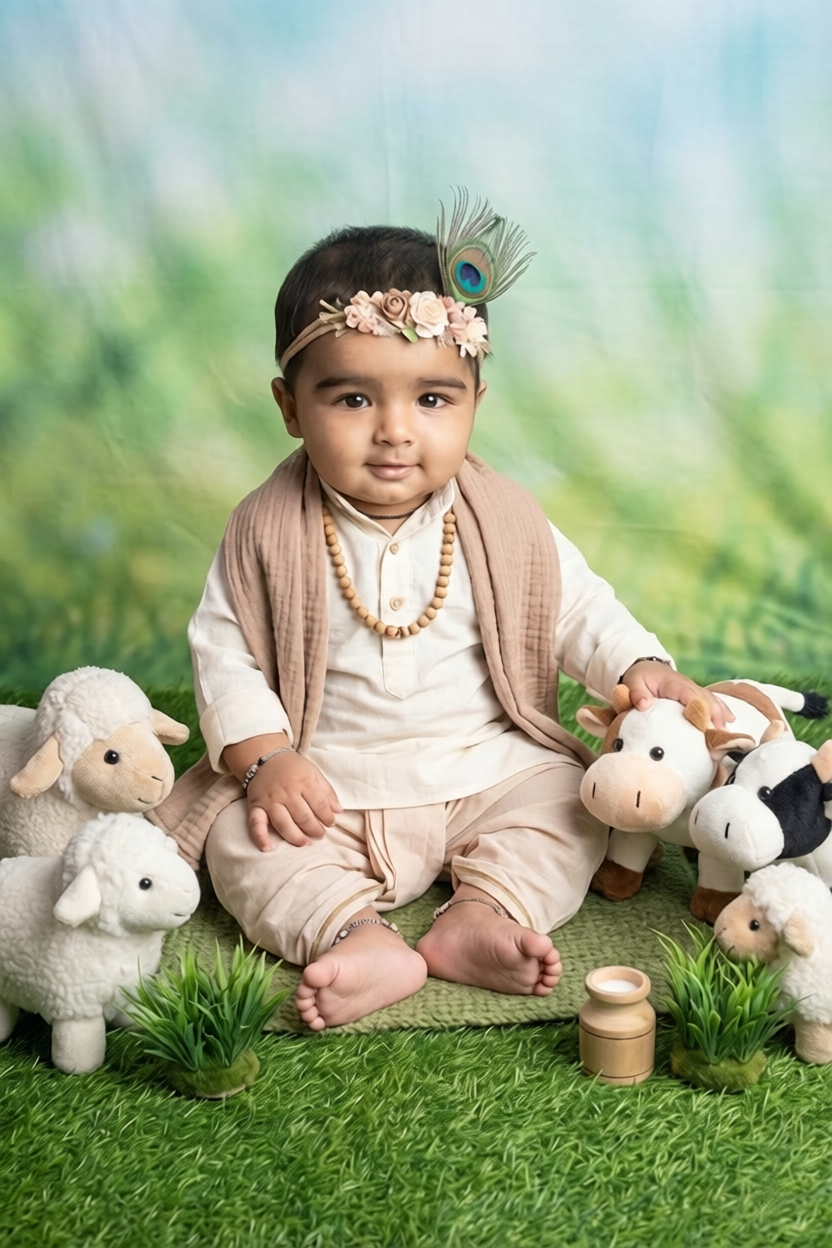
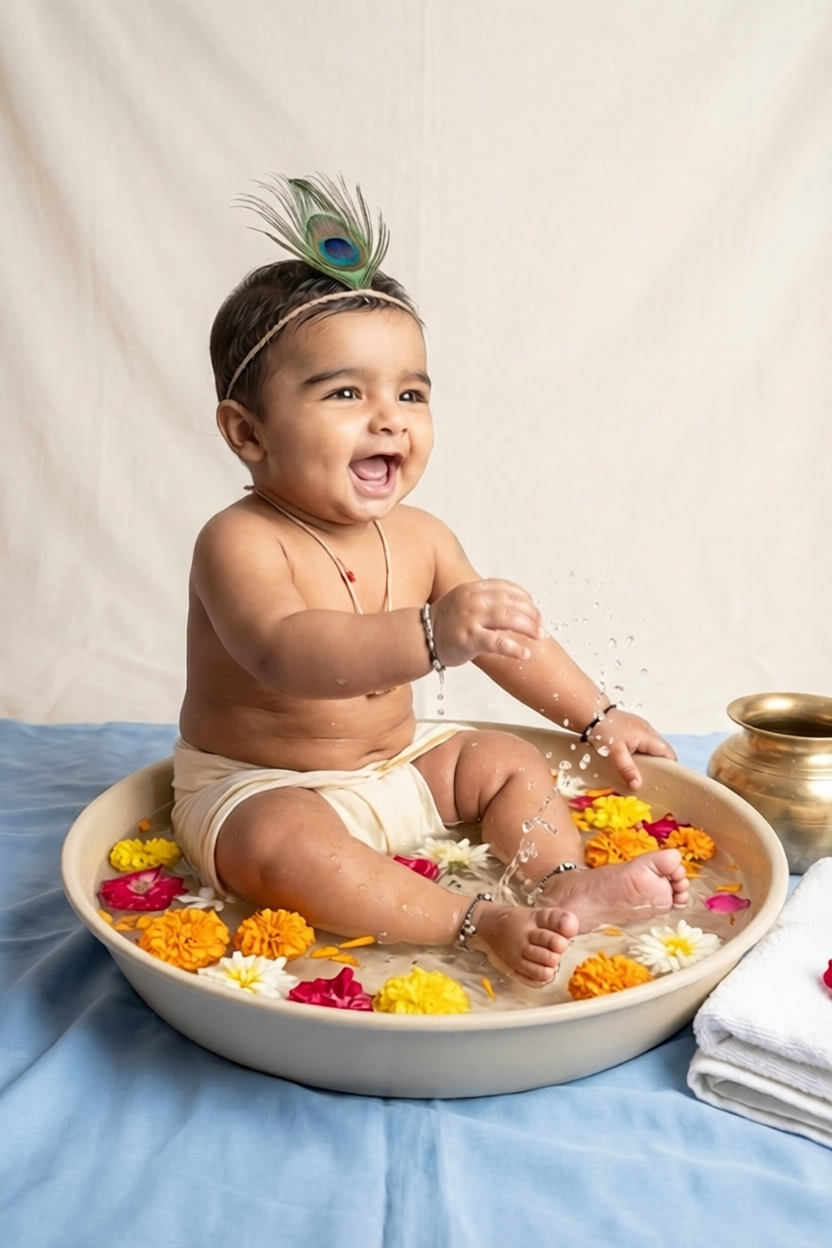
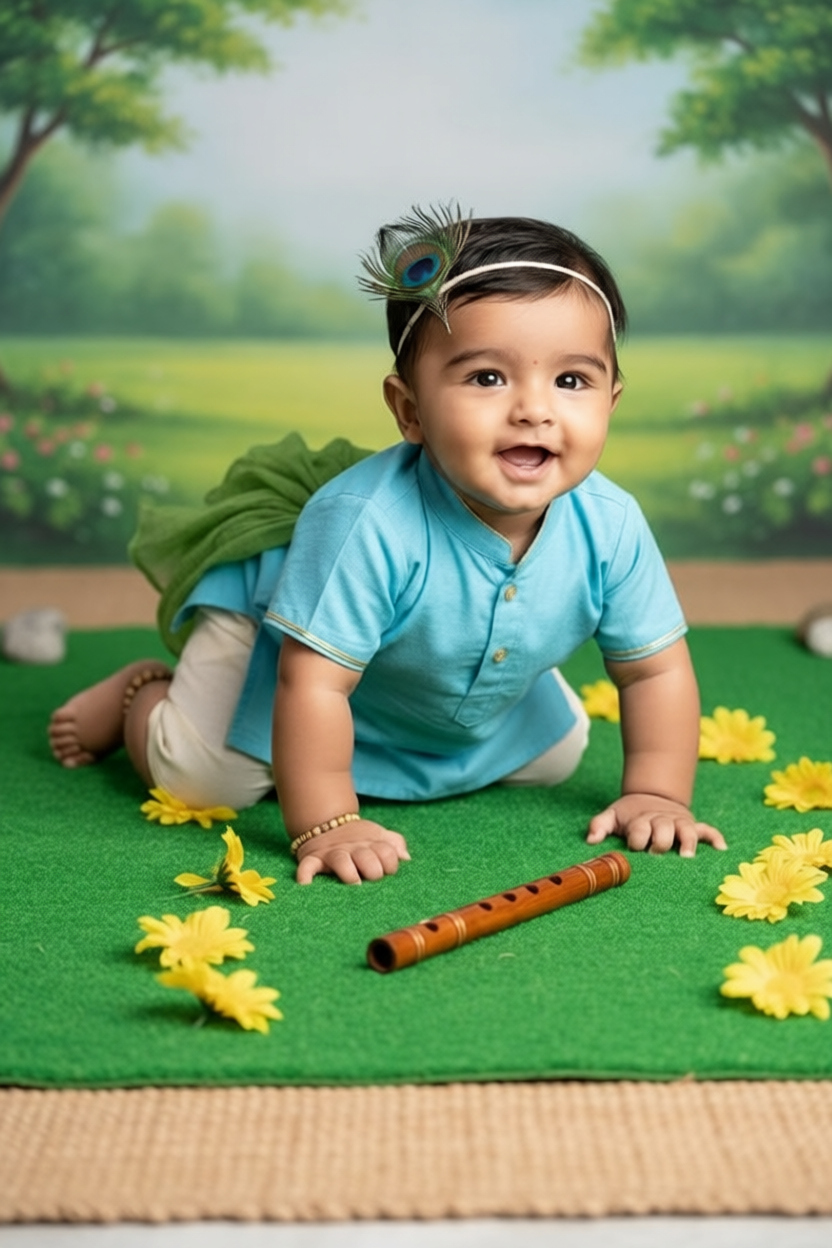
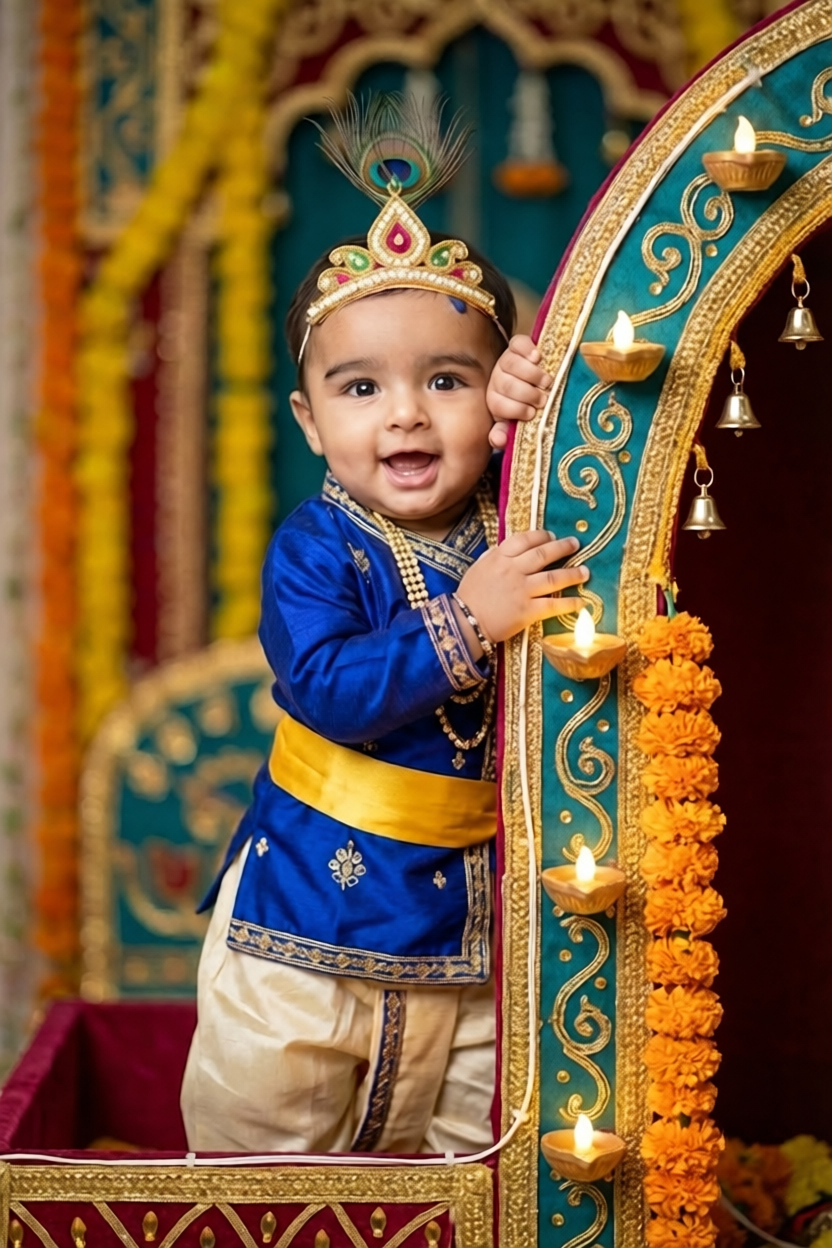
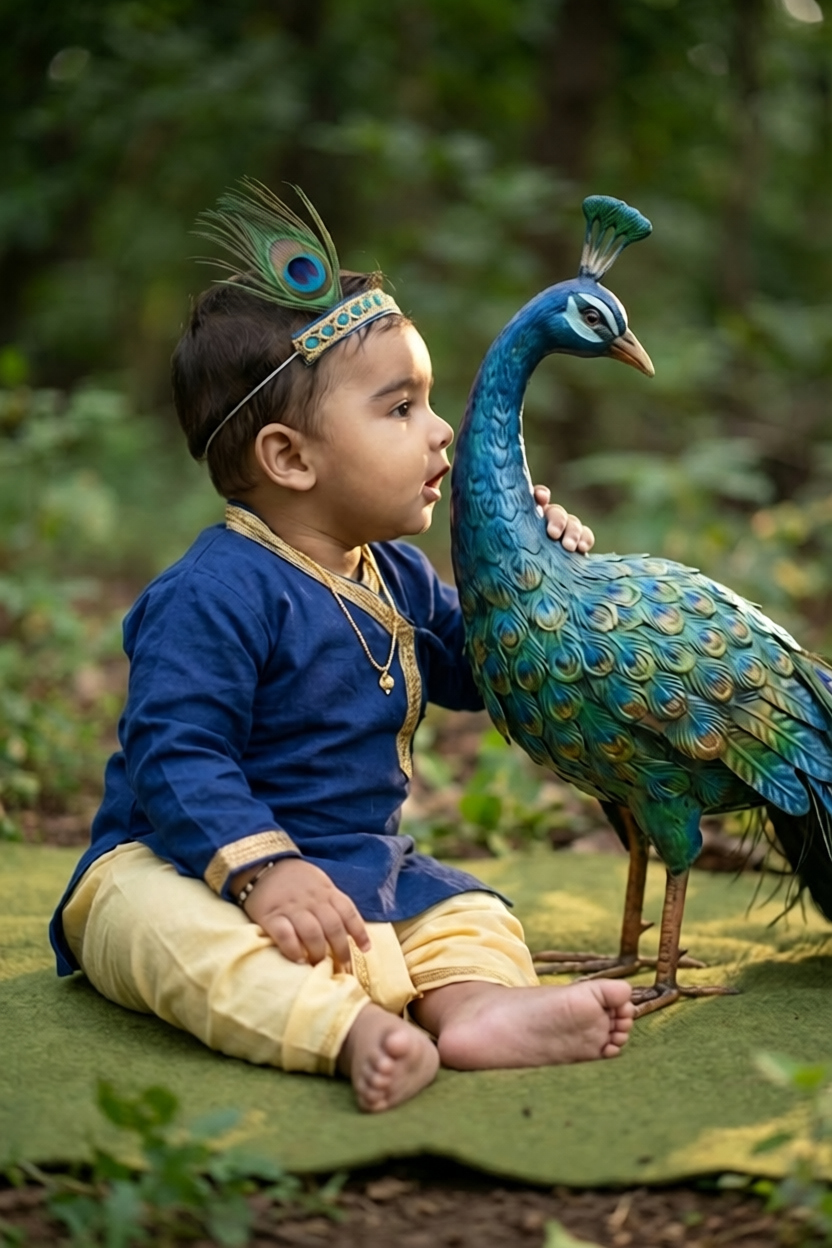
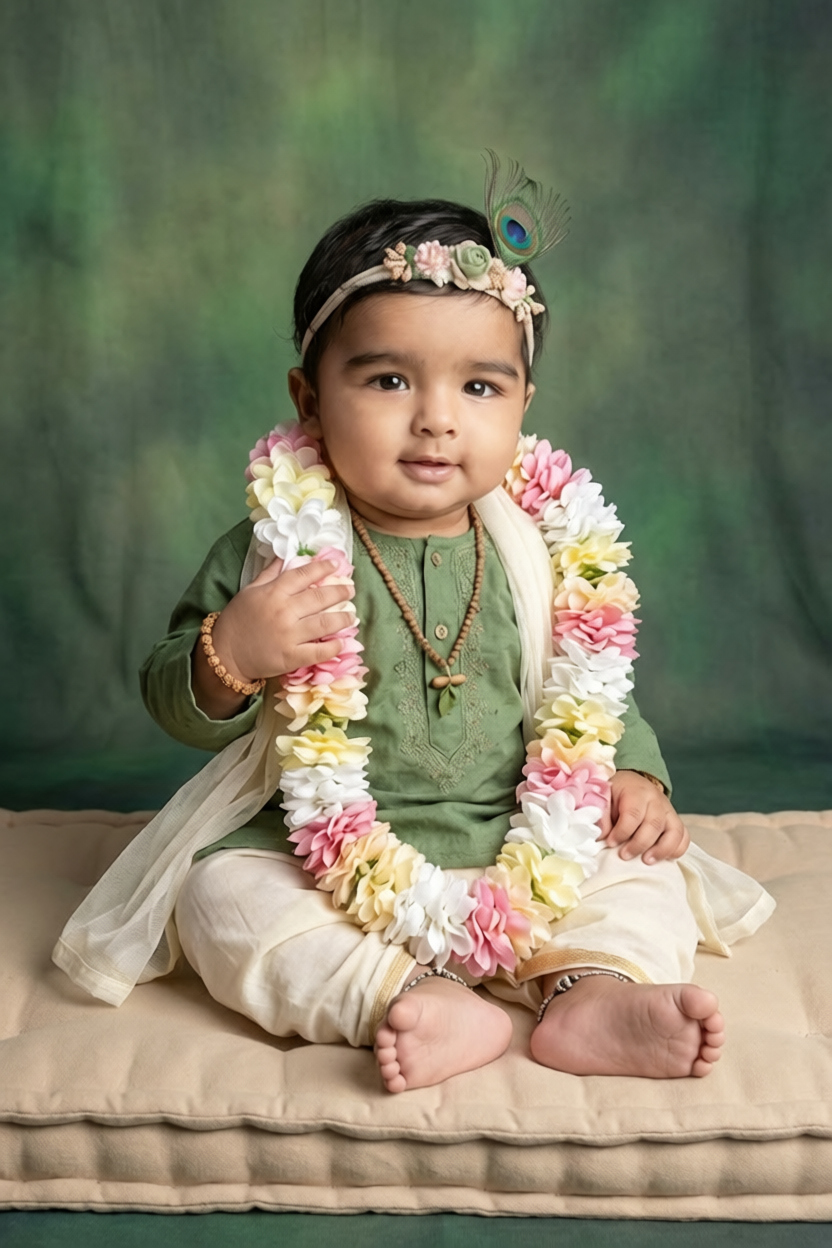
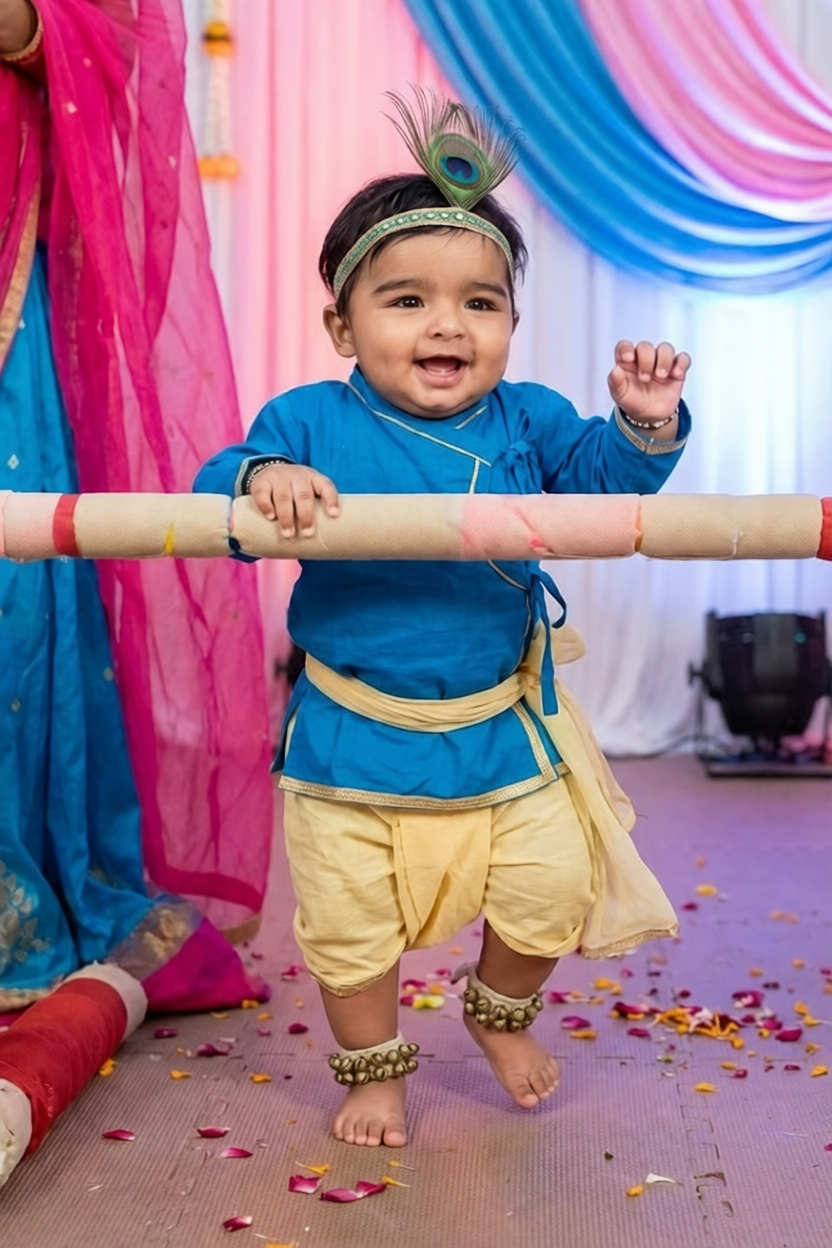
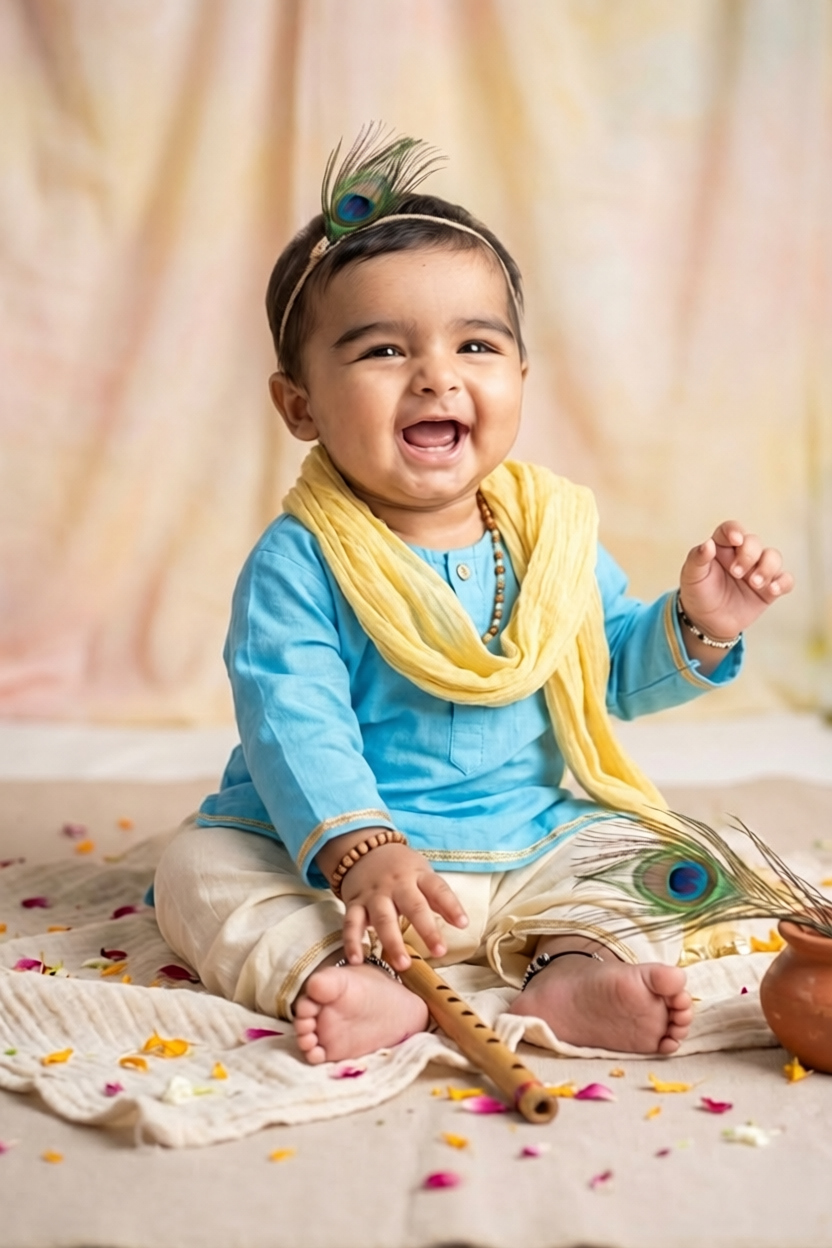
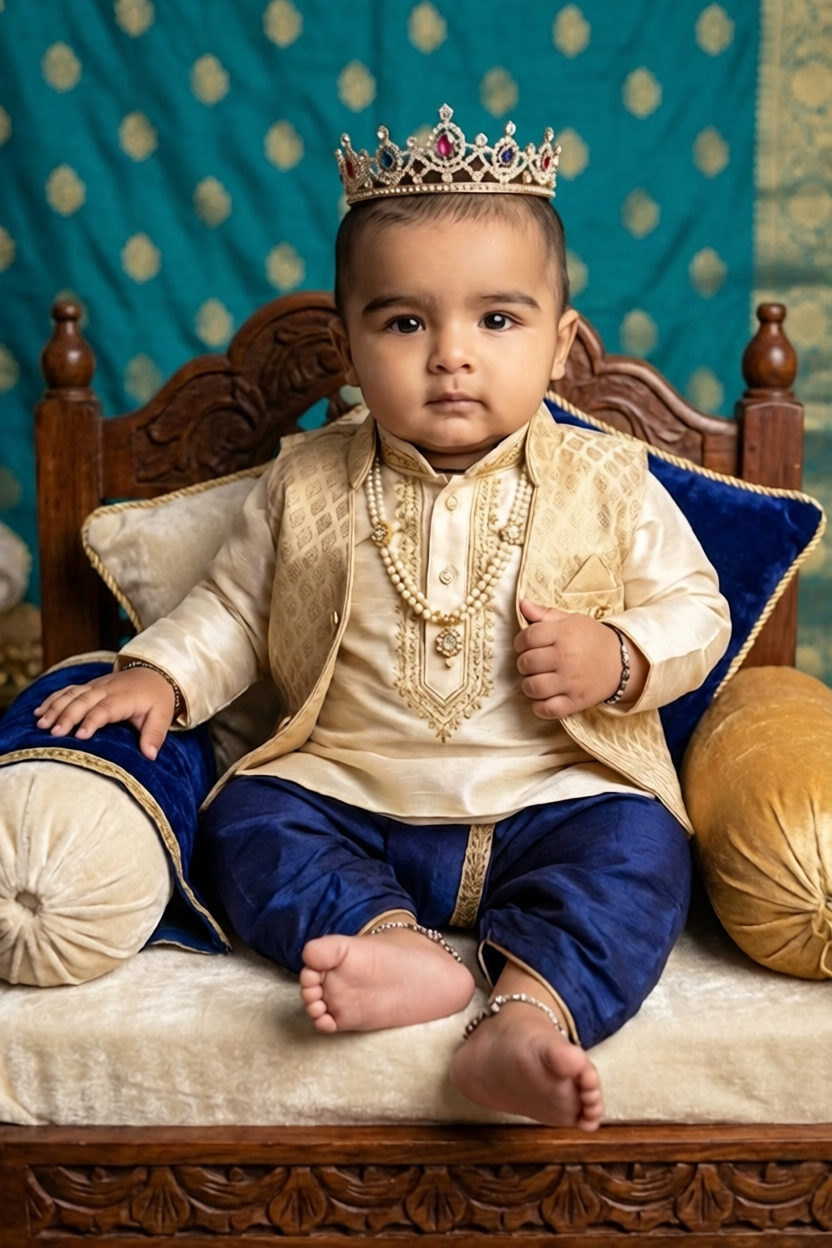
AI-generated Krishna portrait with same face
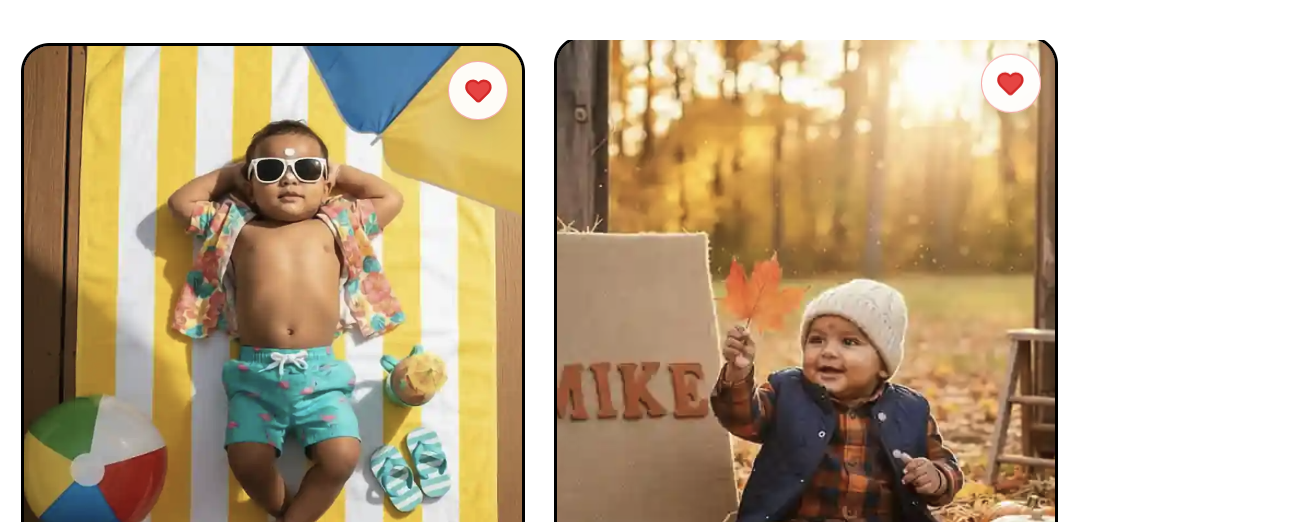
Notice the face, eyes, and skin tone are identical to the reference — but the costume, swing, marigolds, and lighting are entirely AI-generated. This is the result of a properly written face-lock prompt.
| Metric | Traditional Shoot | AI Workflow |
|---|---|---|
| Time spent | 3 days | 1 afternoon (6 hours) |
| Number of unique scenes | 6–8 | 10+ |
| Final delivered images | 20–30 | 50 |
| Prop & costume cost | ₹35,000 | ₹0 |
| Studio rental | ₹15,000 | ₹0 |
| Baby's stress level | High | Low (30 min session) |
| Client revisions possible | Limited | Unlimited |
“I was skeptical that AI could match my baby's face properly, but the prompts from Promptworld actually preserved his features better than I expected. We got 50 stunning portraits without putting him through a 3-day shoot. The album turned out beautifully — extended family thinks we hired a celebrity photographer.”
Priya M.
Client (Mother of the baby)
The exact prompt pack Riya used is available on Promptworld. It includes 25 pre-tested Krishna baby portrait prompts with built-in face-lock instructions, scene variations, and lighting recipes. Each prompt has been tested across multiple AI models for consistency.
Call to action
25 prompts. Face-lock built in. Tested by 200+ photographers.
Did the client know the photos were AI-generated?
Yes — Riya was upfront about her workflow. The client actually preferred it because the baby didn't have to sit through a long shoot. Transparency is essential when using AI in client work.
How long did each AI generation take?
Roughly 30–90 seconds per image, depending on the model and resolution. Generating 50 images in batches took about 90 minutes total.
What AI model did she use?
A combination of Flux with face-reference adapters for primary generation, plus light retouching in Photoshop for finishing. The prompts are model-agnostic and work across most modern image generators.
Can I do this with my own clients?
Absolutely — but always get written consent for AI use, especially when minors are involved. Riya includes an AI usage clause in her client contracts.